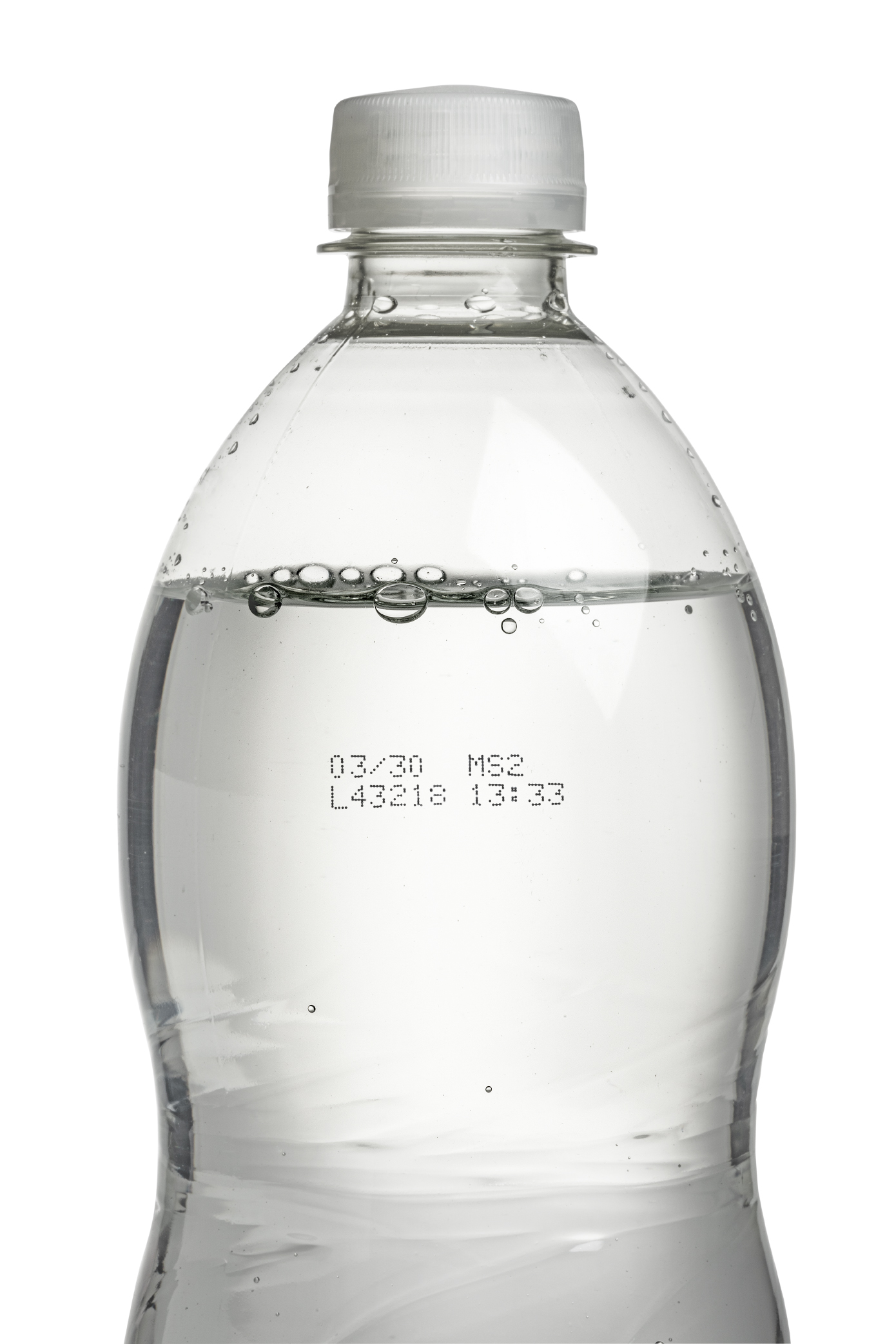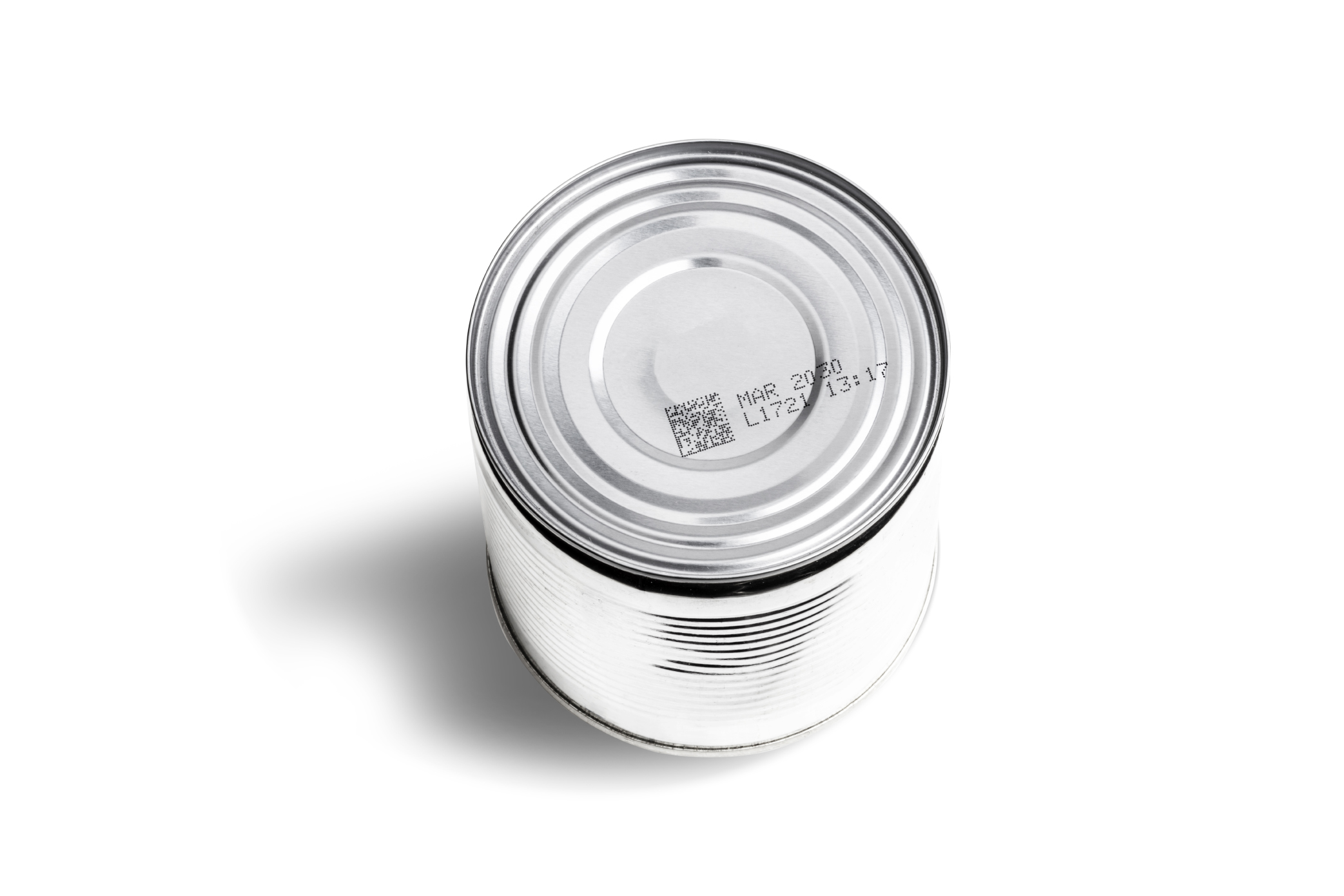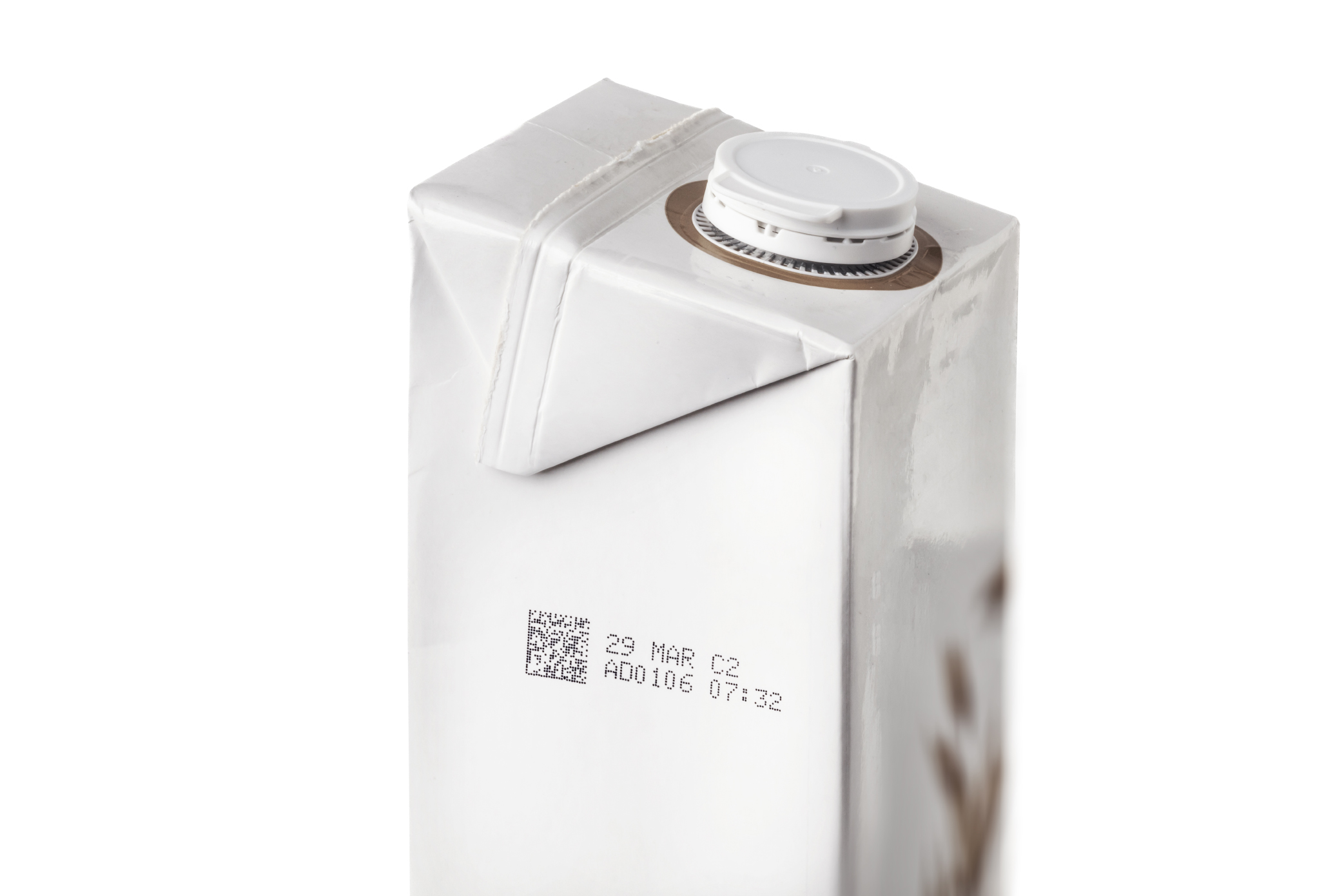

Linx Iris® vision system
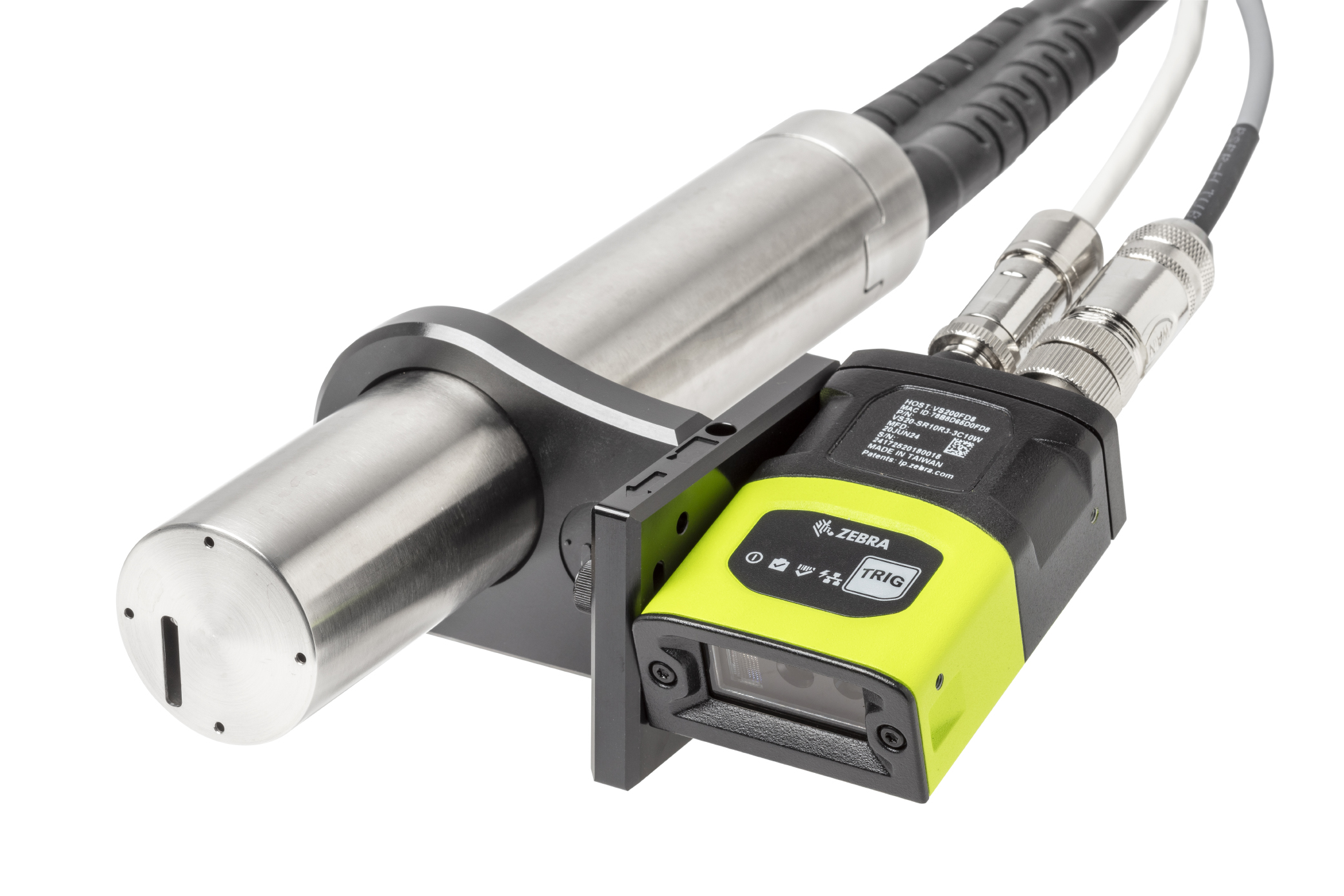
For 9000 Series CIJ printers
Ensure every code is present and correct
At Linx, we design solutions for the real pressures of lean production – constant demands, high staff turnover, and zero tolerance for errors. When it comes to marking and coding, you need problems caught early, before they disrupt your line.
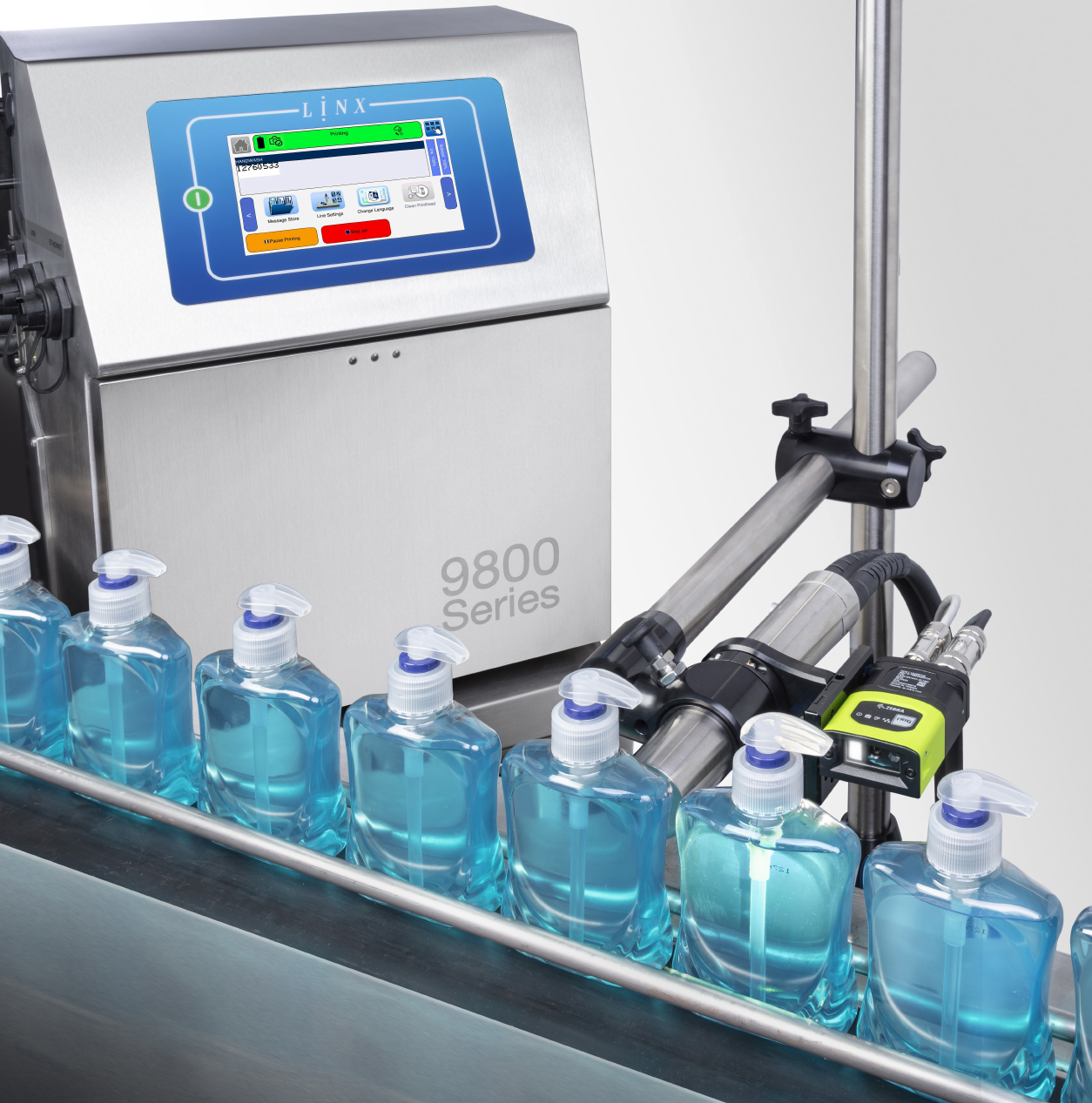
That’s where Linx Iris® vision system comes in. Integrated with the Linx 9000 Series, it removes the need for manual code inspection by automatically checking every print for code presence, validity, position and readability. Simple to set up and easy to use, Linx Iris helps to eliminate costly rejects, rework, fines, and the risk of losing customer trust.
Linx Iris vision system
Ensure every code is present and correct
No more worries about missing or incorrect codes
Eliminate costly rework
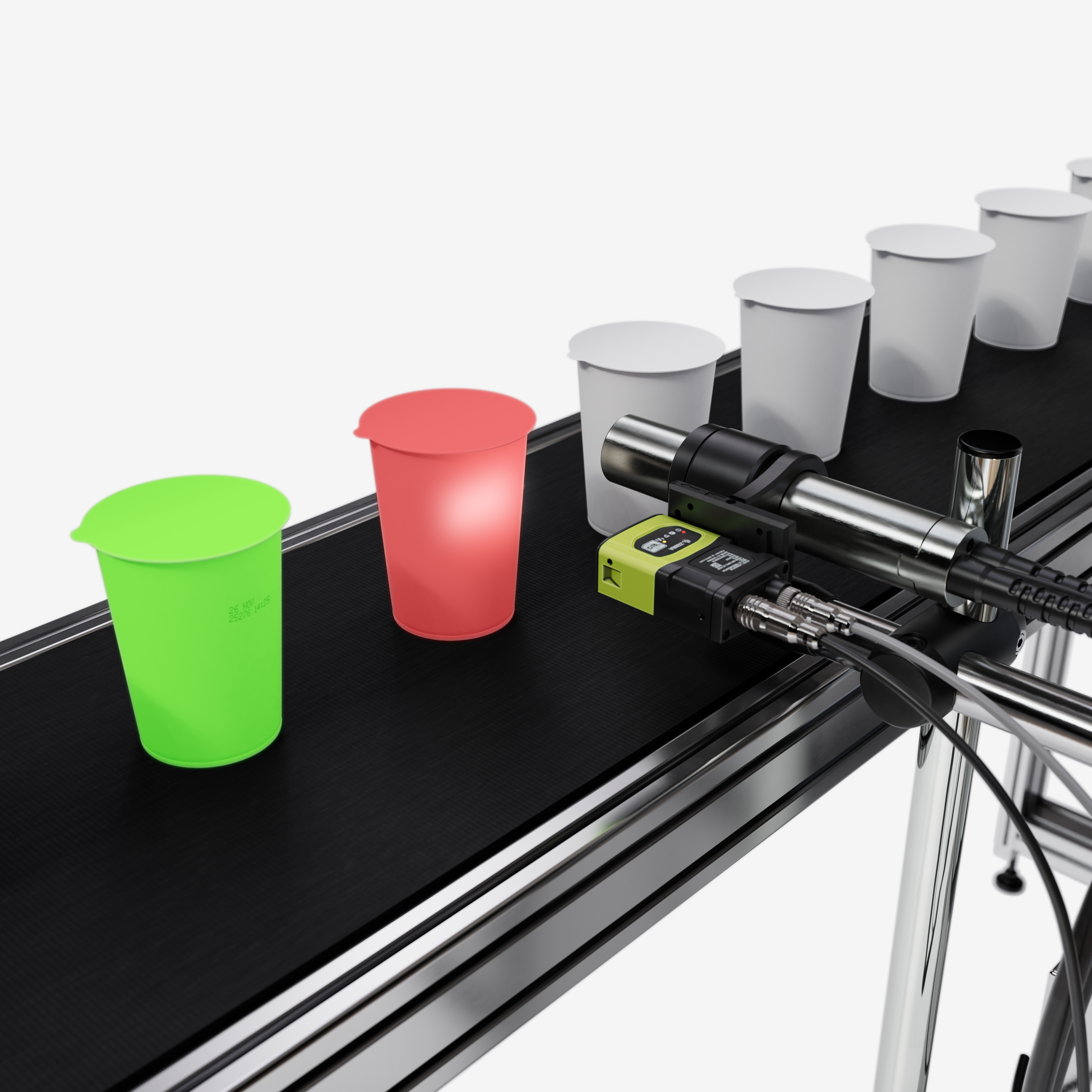
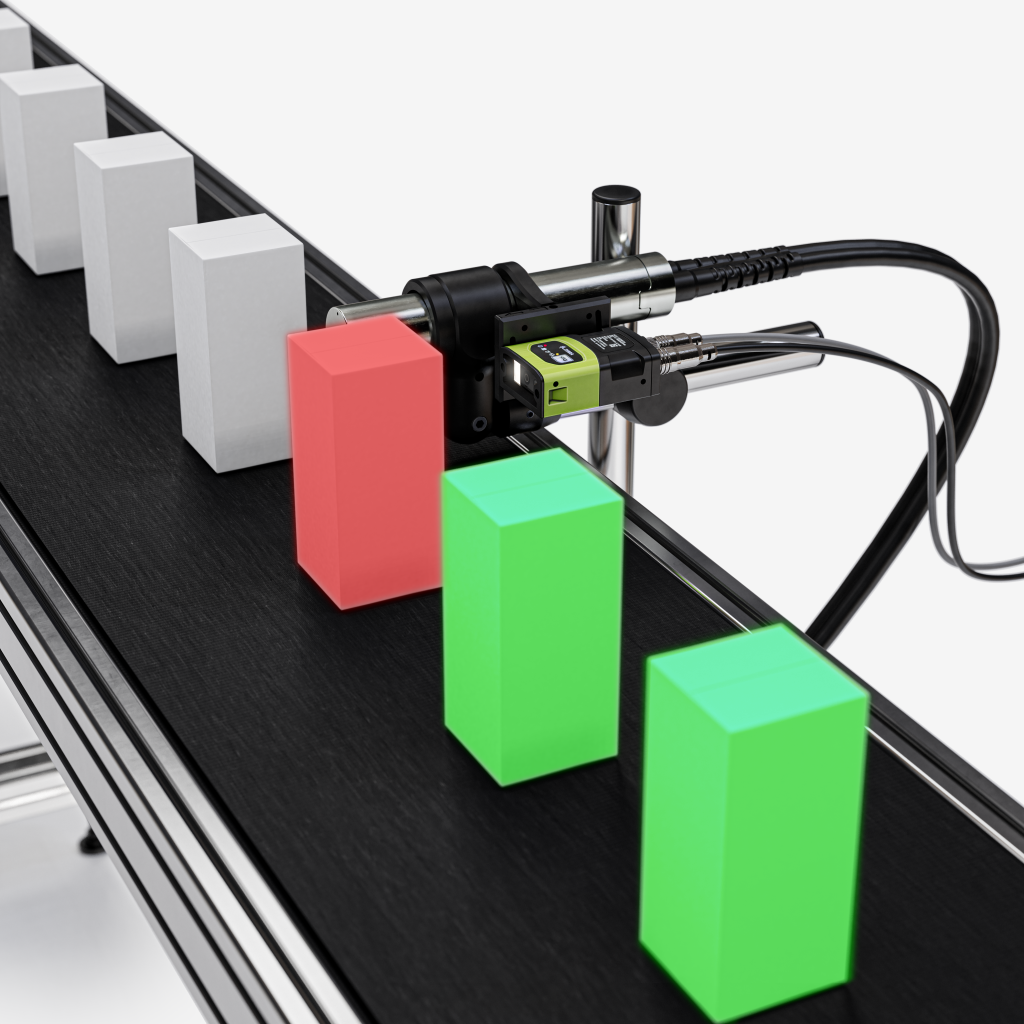
- No missed codes: The Linx Iris camera will detect if a code is missing and will alert the printer.
- Correct code every time: Code verification identifies the printed code and compares it to the trained message from the printer. It will detect incorrect characters and invalid dates.
- Always readable: Linx Iris will alert you if any part of your code is unreadable, truncated or out of position.





No more worries about lost production time
Eliminate unplanned downtime
- Set your own standards: Choose your quality standard to prevent failures that are acceptable and keep lines moving.
- Configure your response: Set your own acceptable fail count and what the printer should do next: stop the line, flash a beacon or sound an alarm.
- Prevent bottlenecks: Automated inspection removes manual checks, reducing delays and mistakes.
No more worries about complicated equipment
Easy to use and train
- No external power or hardware: Linx Iris connects directly to the 9000 Series printer and requires no external power source, additional hardware or software. No need for complex adjustments or configurations.
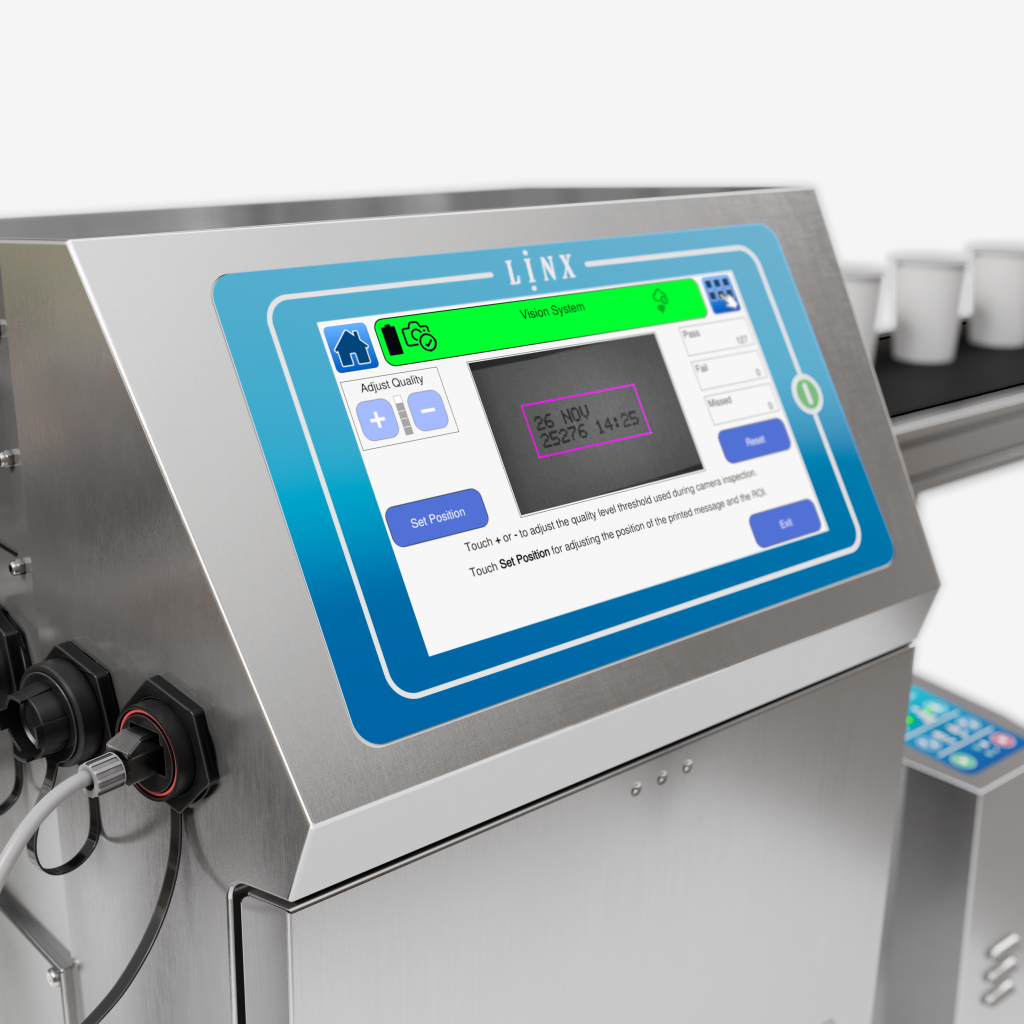
- See results in real time: No external application or screen is needed. Access the live camera view from the printer home screen to see the real-time view, detected codes and pass/fail rate.
- Quick code learning: Simply place a coded product under the camera and follow the on-screen workflow to train a new code. Once a message is trained, it is saved for future use, enabling effortless transitions between production batches.
Ready to eliminate code errors? – Book a Linx Iris demo
Technical Specifications
| Image sensor: | 1/4 inch CMOS, global shutter 1280 x 800, 3.0 um square pixels Monochrome |
| Inspection speed: | Up to 2.5 m/s 4 prints per second |
| Readable codes: | Message content: Text, Date, Time, Sequential Numbers Message length: Up to 8cm Message style: Up to 1×21 Font size: Up to 2×9 Characters: Latin, Extended Latin, Cyrillic, Katakana, Kanji, Hangul, CJK |
| Software features: | Code presence, Code readability, Region of Interest (ROI), Adjustable quality acceptance |
| IP Rating: | IP65 |
Download the Linx Iris brochure for full specification
Resources
Linx Iris Brochure

Linx Iris video
9900 Series Product overview
FAQ
Linx Iris can read messages made up of text, dates, times and sequential numbers up to 8cm long, in 2 lines.
To train a message with Linx Iris, hold a product with a good quality code in front of the camera and click Start Training. The on-screen workflow will guide you through the simple steps, and the printer will store this message for future use.
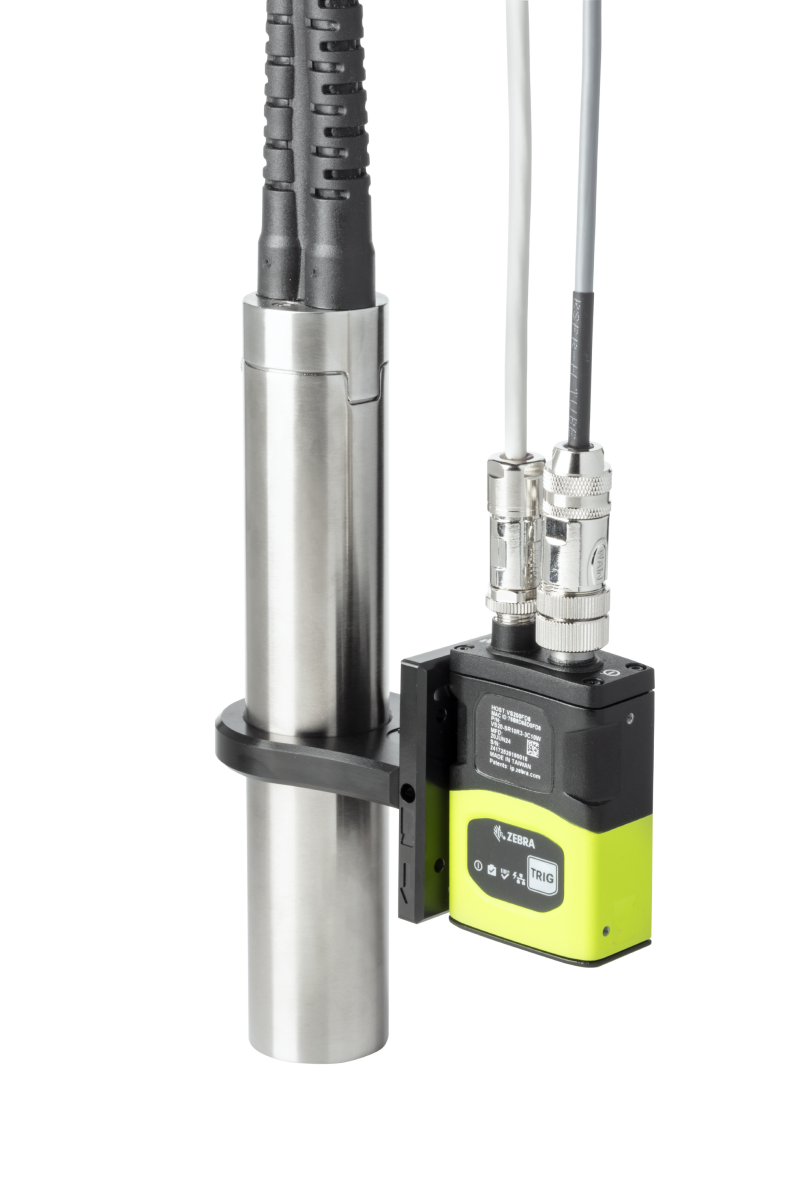
It is possible to mount Linx Iris directly to the Linx printhead using a supplied quick release bracket, or you can attach to a pole.
Linx Iris is designed to be easy to use. It requires no additional software, hardware, or power supply, and everything is controlled directly from the Linx printer screen using simple, guided steps to help you set up and use the camera.
Related products
Linx 9000 Series
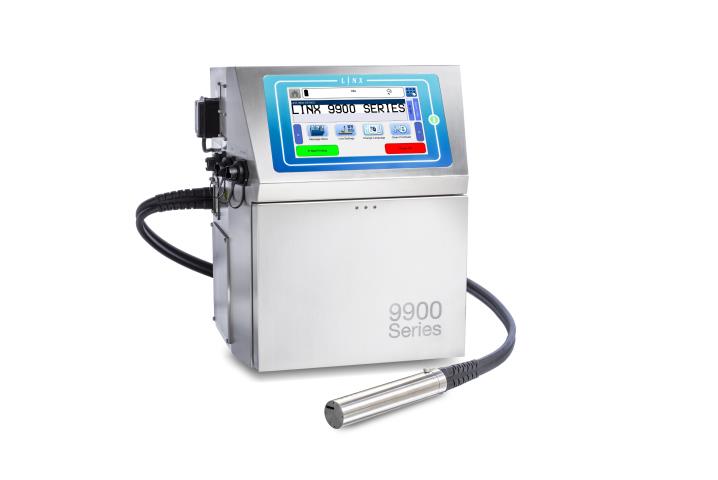
The CIJ printer making printing one less thing to worry about
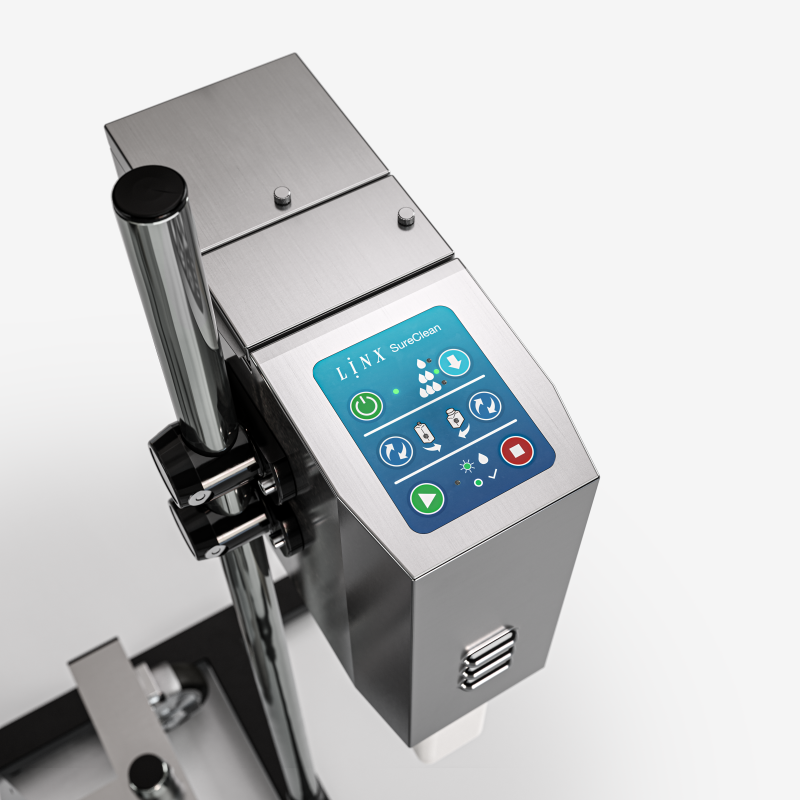
Linx SureClean printhead wash station
Automatic printhead cleaning at the touch of a button
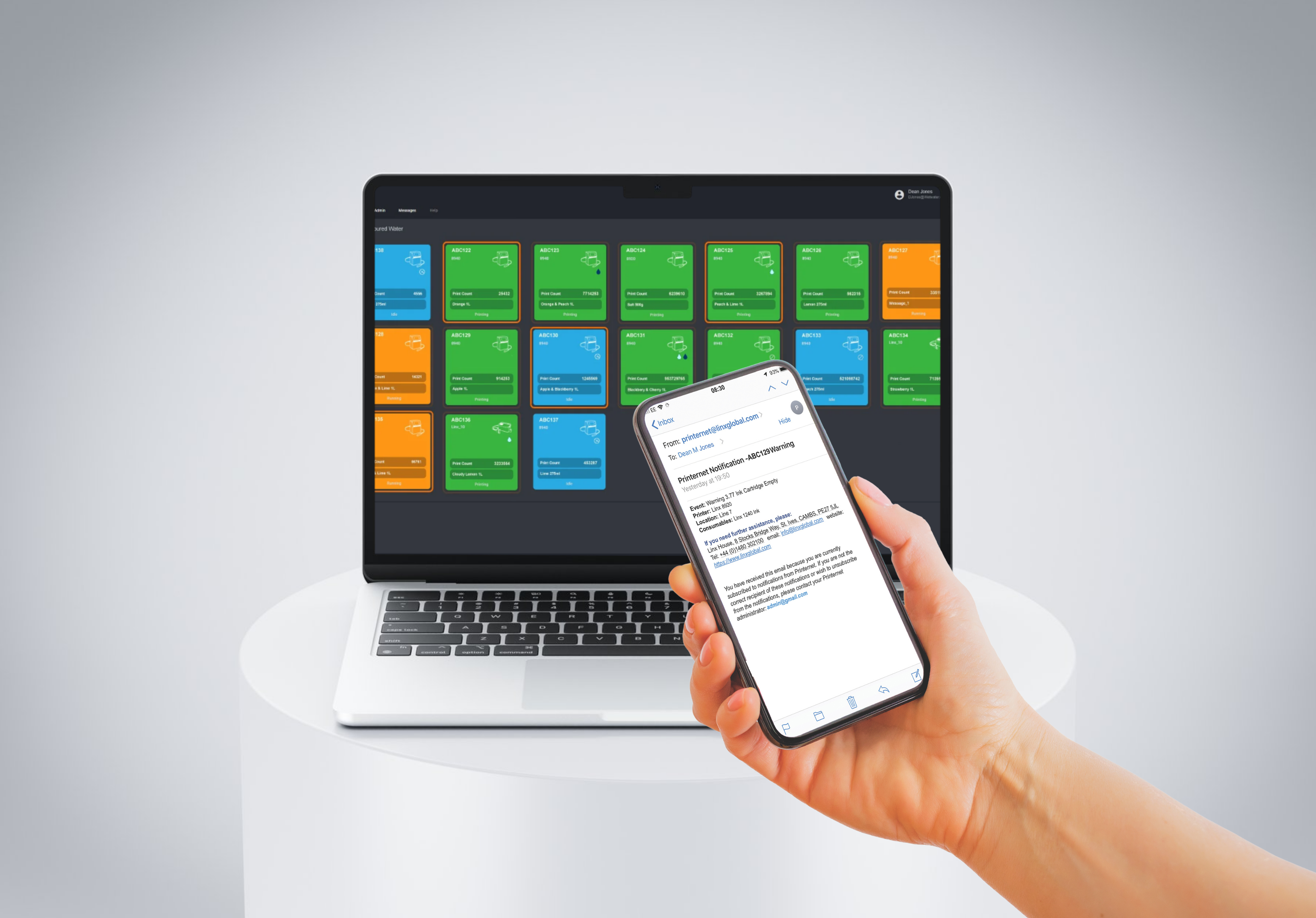
Linx PrinterNet
Remote access and control – always connected to your coding