
Linx Iris® vision system
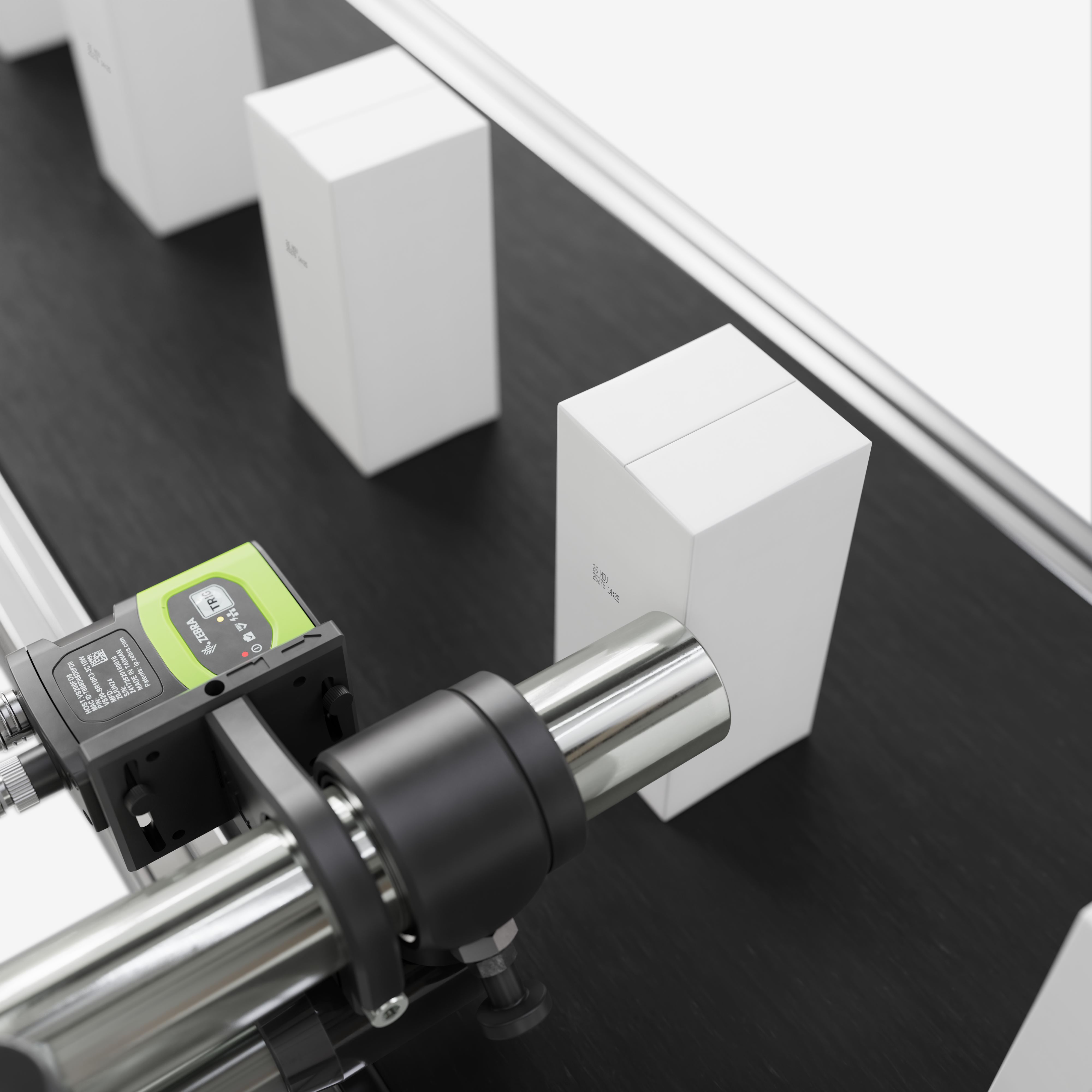
For 9000 Series CIJ printers
Ensure every code is present and correct
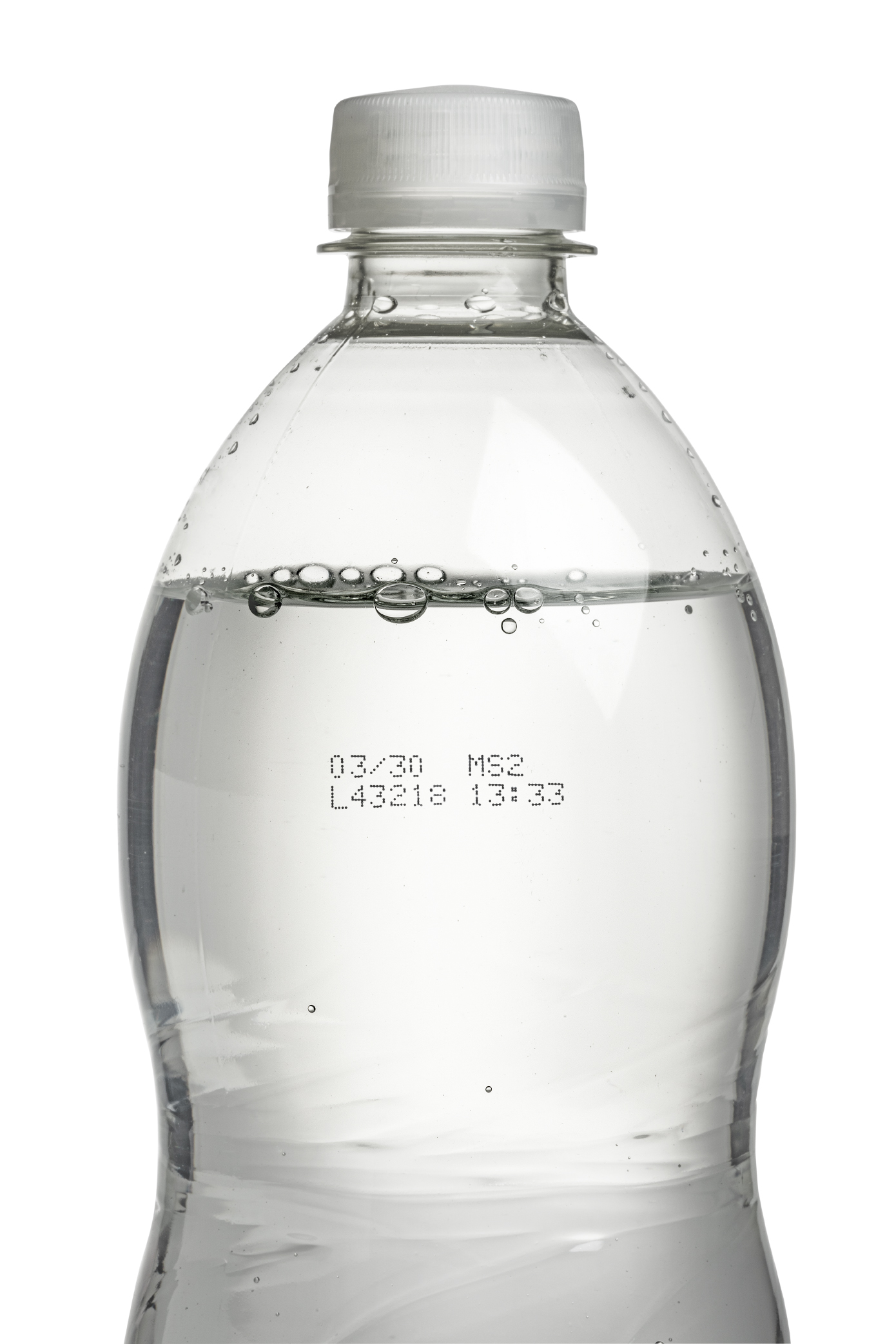
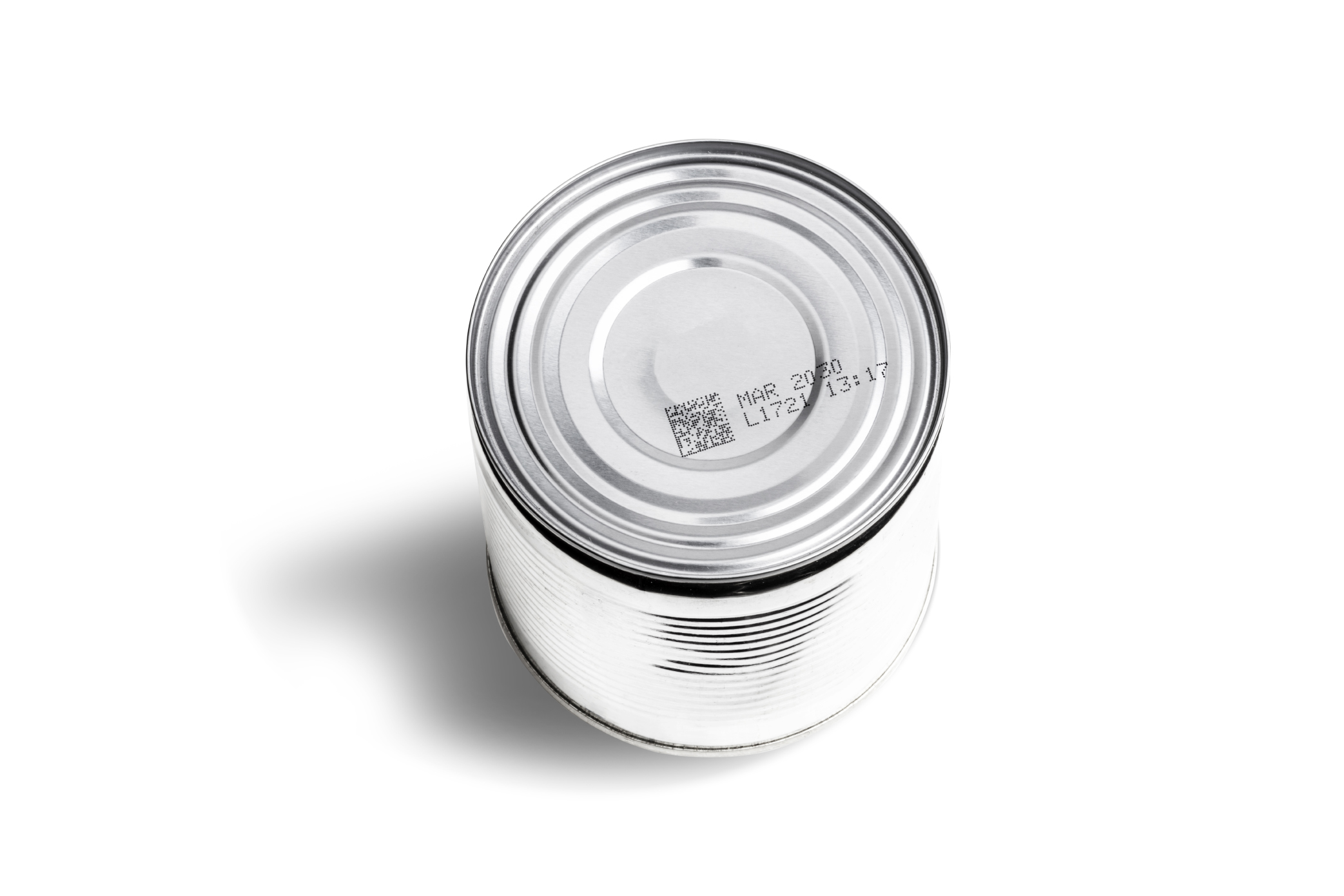
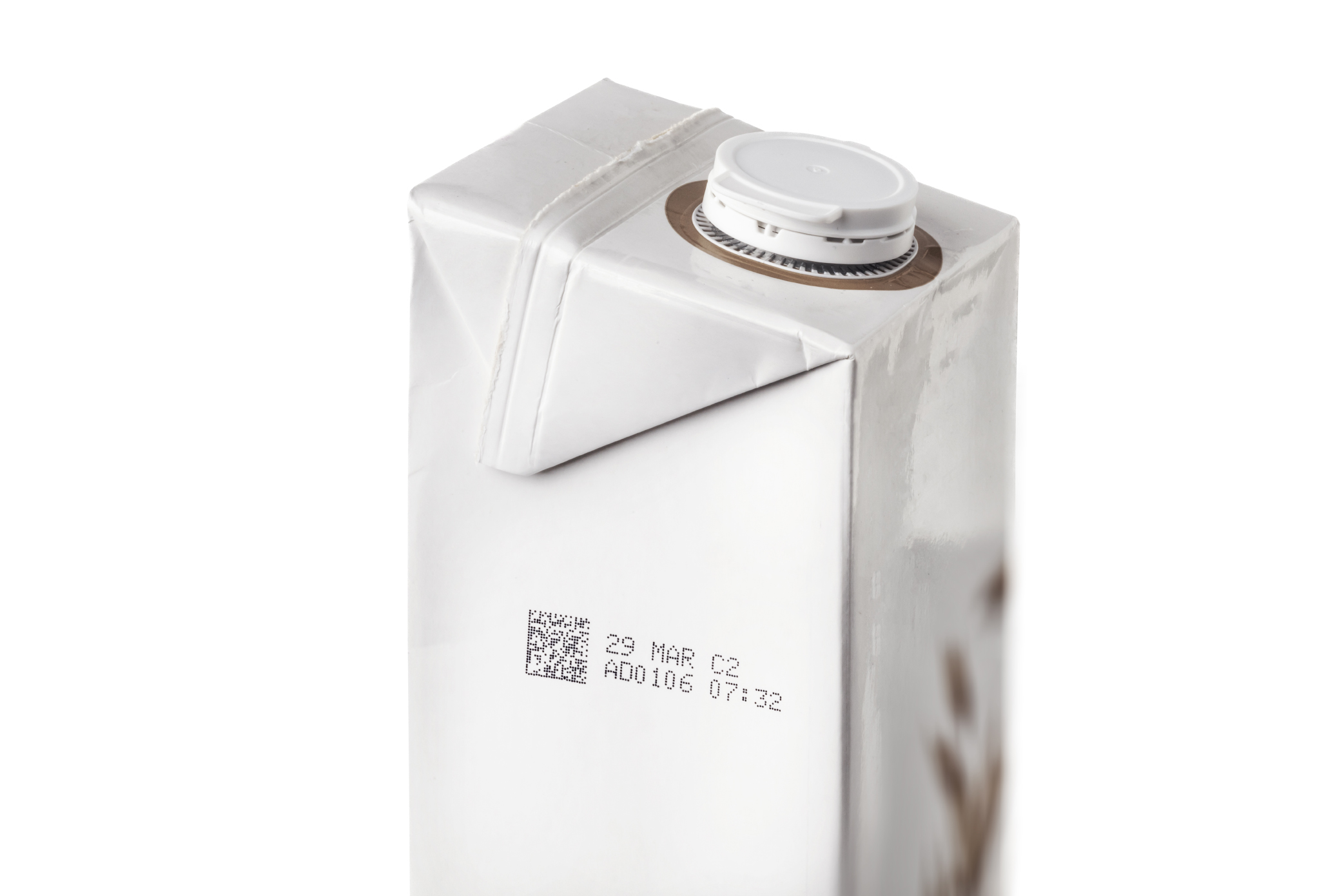
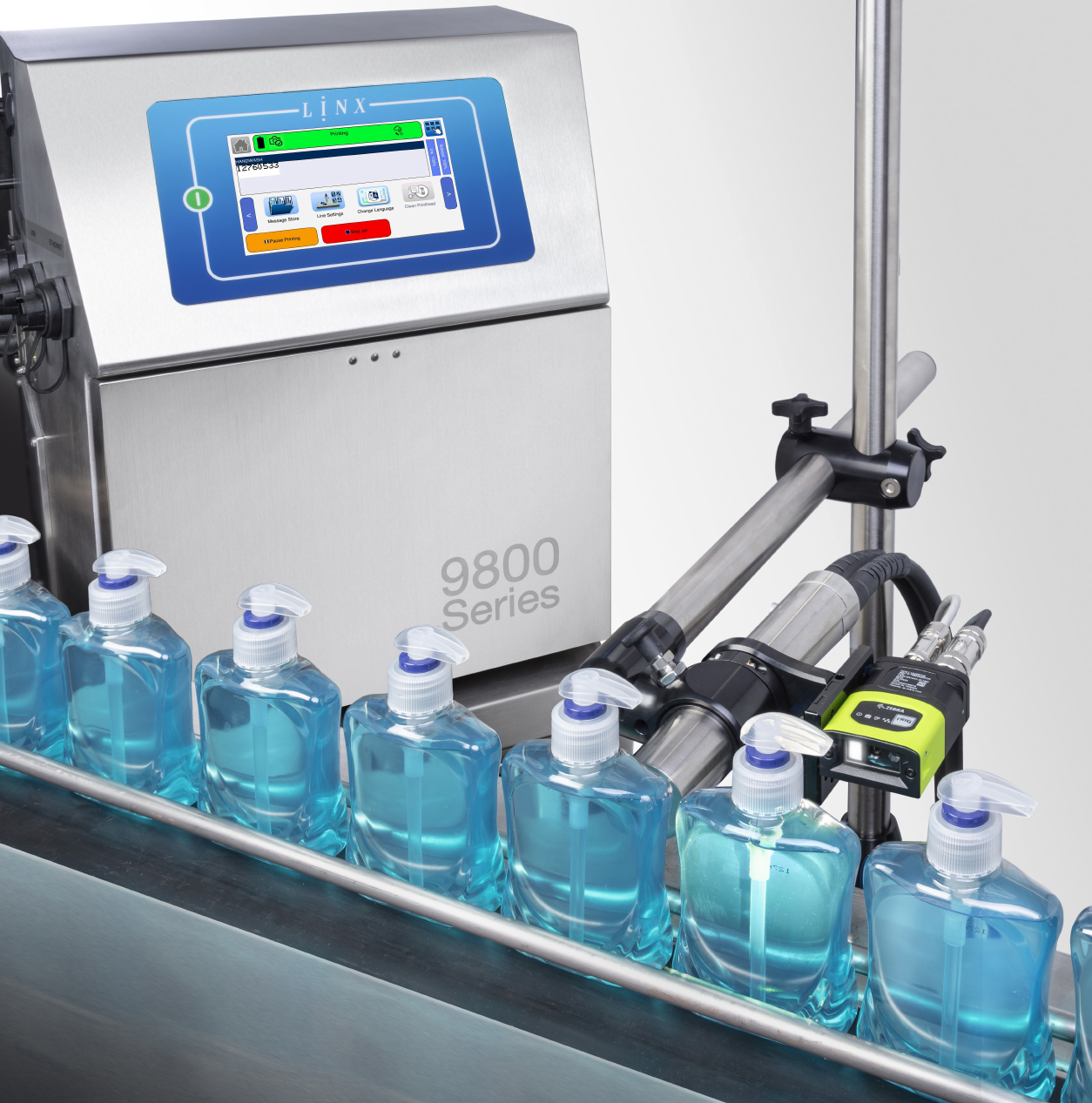
At Linx, we design solutions for the real pressures of lean production, including constant demands, high staff turnover, and zero tolerance for errors. As a result, when it comes to marking and coding, you need problems caught early before they disrupt your line. That’s where the Linx Iris vision system comes in.
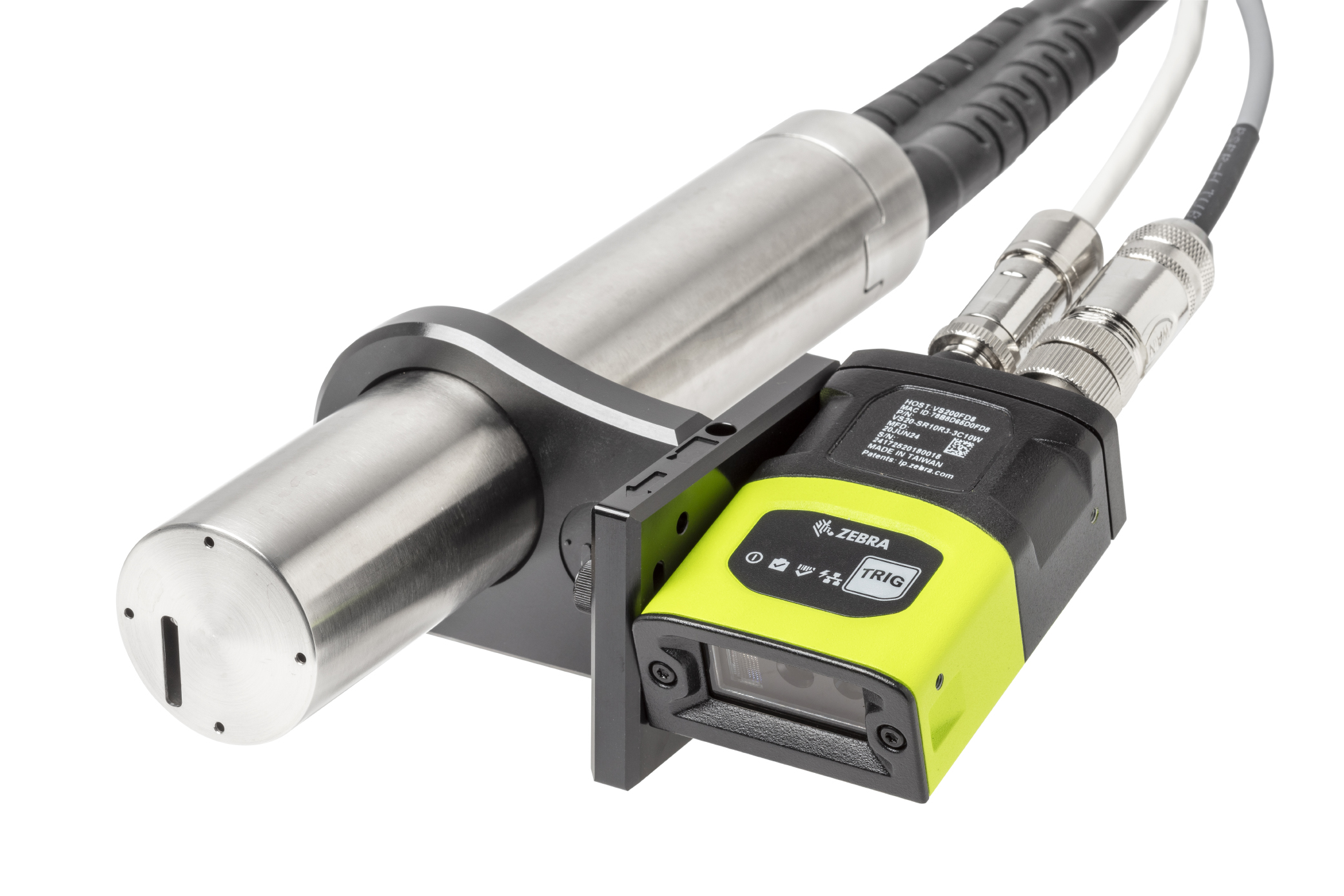
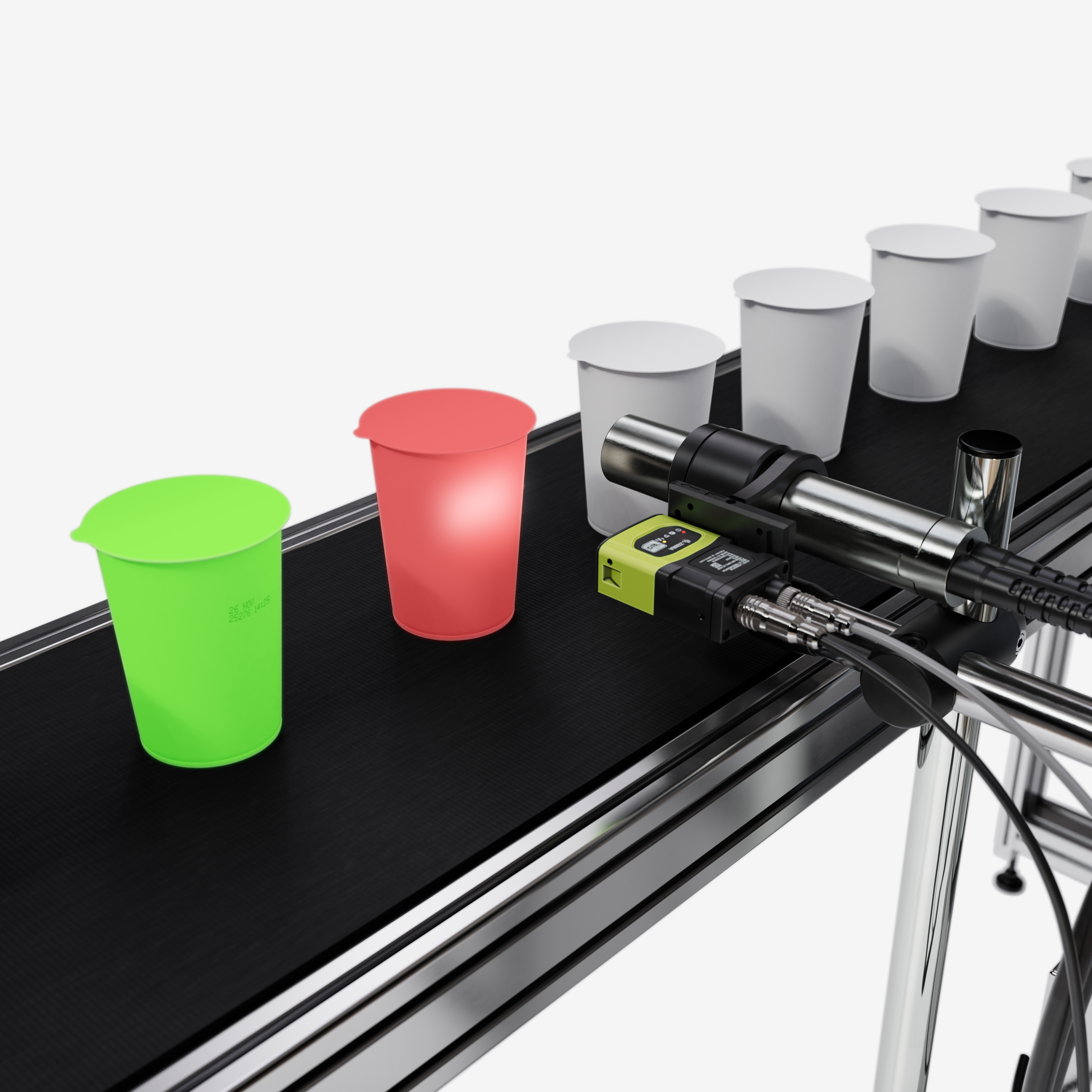
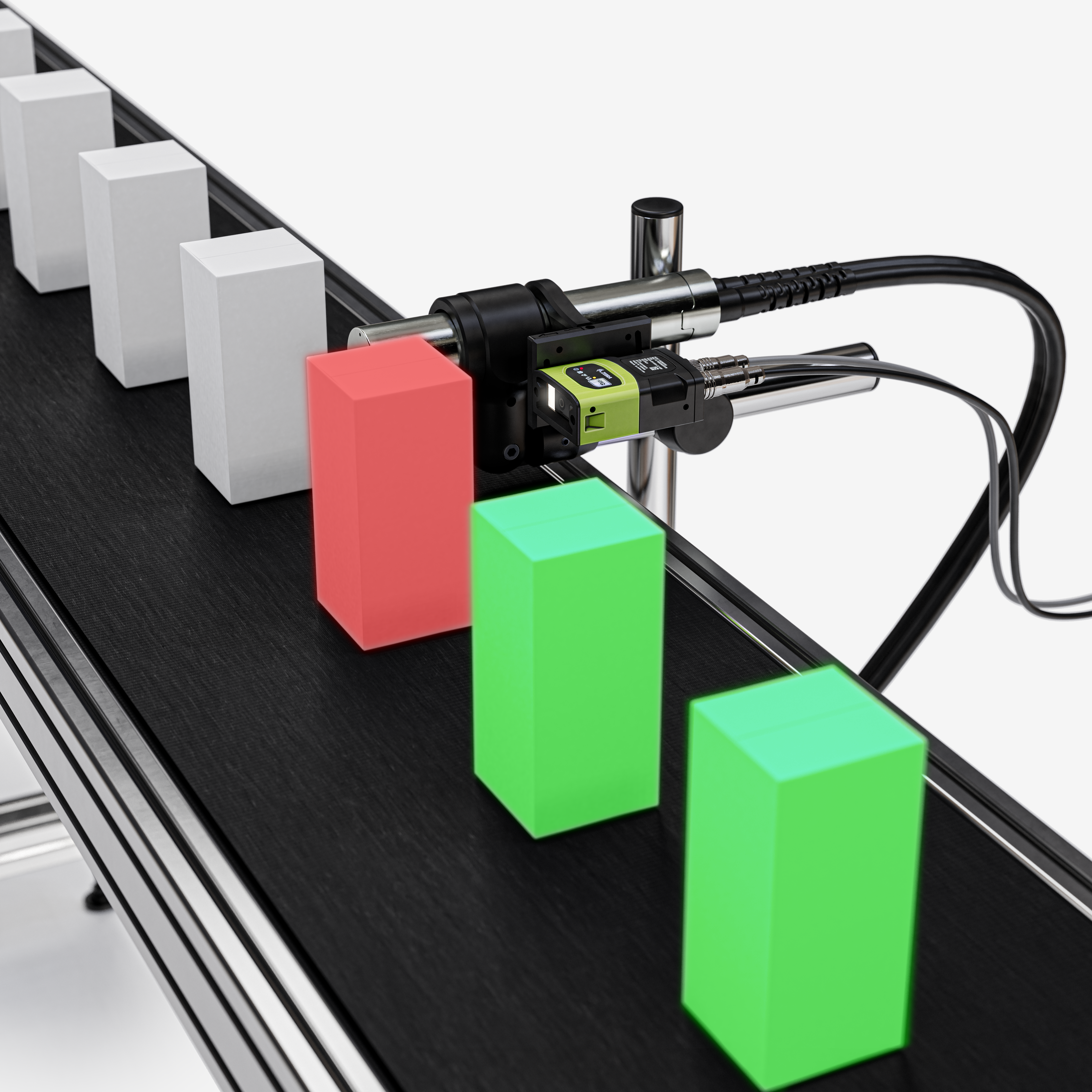
Integrated with the Linx 9000 Series, it removes the need for manual code inspection by automatically checking every print for code presence, validity, position, and readability. Consequently, you can identify coding issues in real time and take action before they lead to costly waste.
Furthermore, Linx Iris is simple to set up and easy to use. Therefore, operators can quickly learn the system without extensive training. As a result, Linx Iris helps eliminate costly rejects, rework, fines, and the risk of losing customer trust while supporting efficient production and consistent code quality.
Linx Iris vision system
Ensure every code is present and correct
No more worries about missing or incorrect codes
Eliminate costly rework
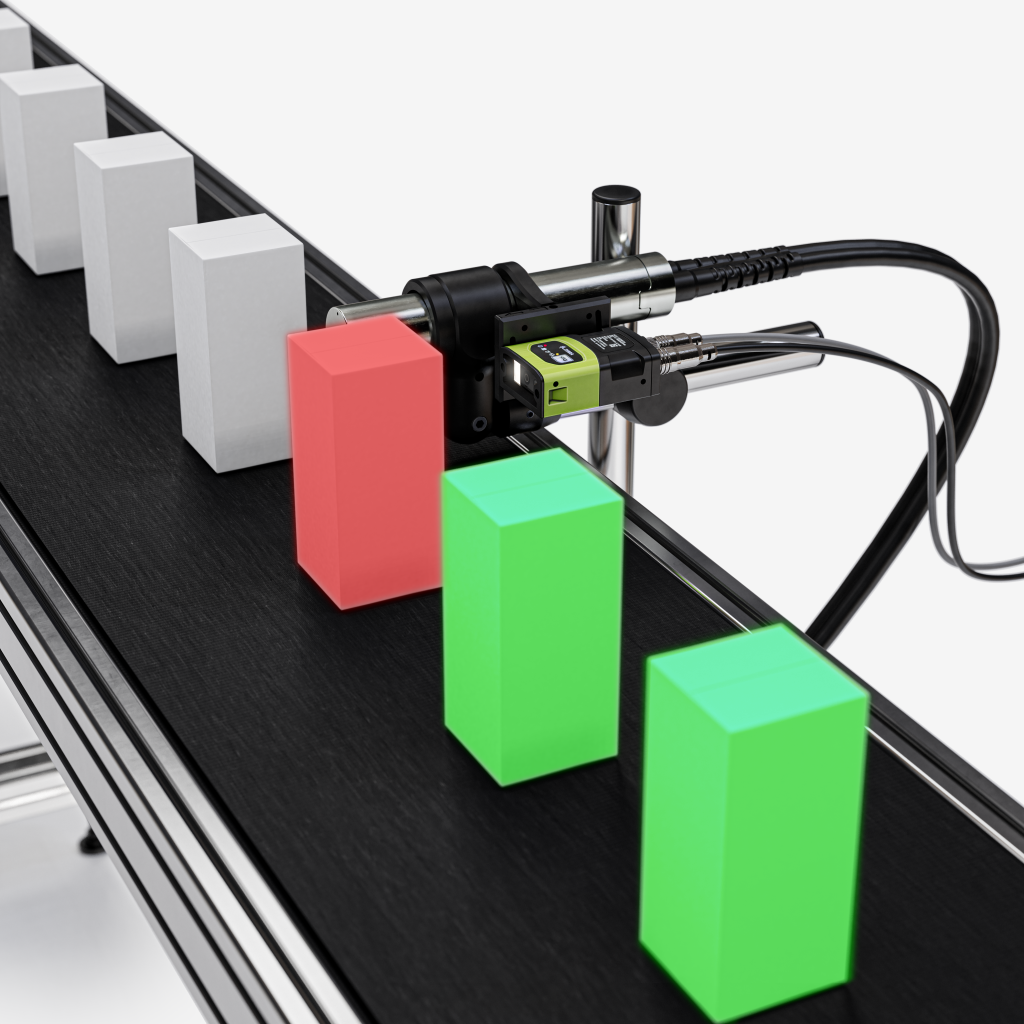
- No missed codes: If a code is missing, the Linx Iris camera detects the issue immediately and alerts the printer. As a result, problems can be addressed before products leave the line.
- Correct code every time: In addition, code verification identifies the printed code and compares it to the trained message from the printer. Consequently, it can detect incorrect characters and invalid dates.
- Always readable: The 9000 Series printer alerts you if any part of the code is unreadable, truncated or out of position. Therefore, you can take corrective action before quality issues occur.





No more worries about lost production time
Eliminate unplanned downtime
- Set your own standards: Choose the quality standard that works for your operation. This means you can prevent unacceptable failures while still keeping lines moving efficiently.
- Configure your response: You can also set an acceptable fail count and decide what the printer should do next, whether that is stopping the line, flashing a beacon or sounding an alarm.
- Prevent bottlenecks: Meanwhile, automated inspection removes manual checks, reducing delays and minimising the risk of operator error.
No more worries about complicated equipment
Easy to use and train
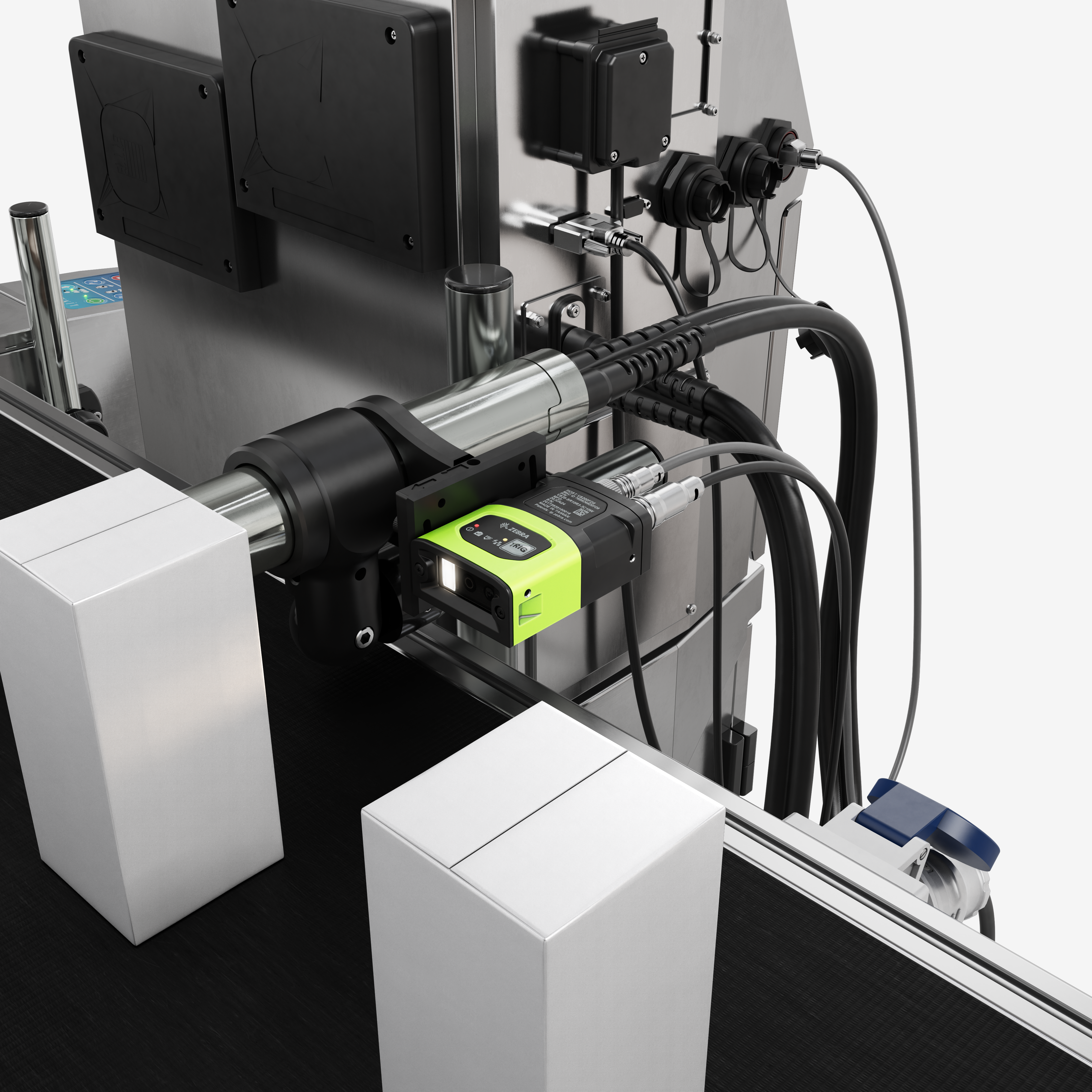
- No external power or hardware: The camera connects directly to the 9000 Series printer and requires no external power source, additional hardware or software. As a result, there is no need for complex adjustments or configurations.
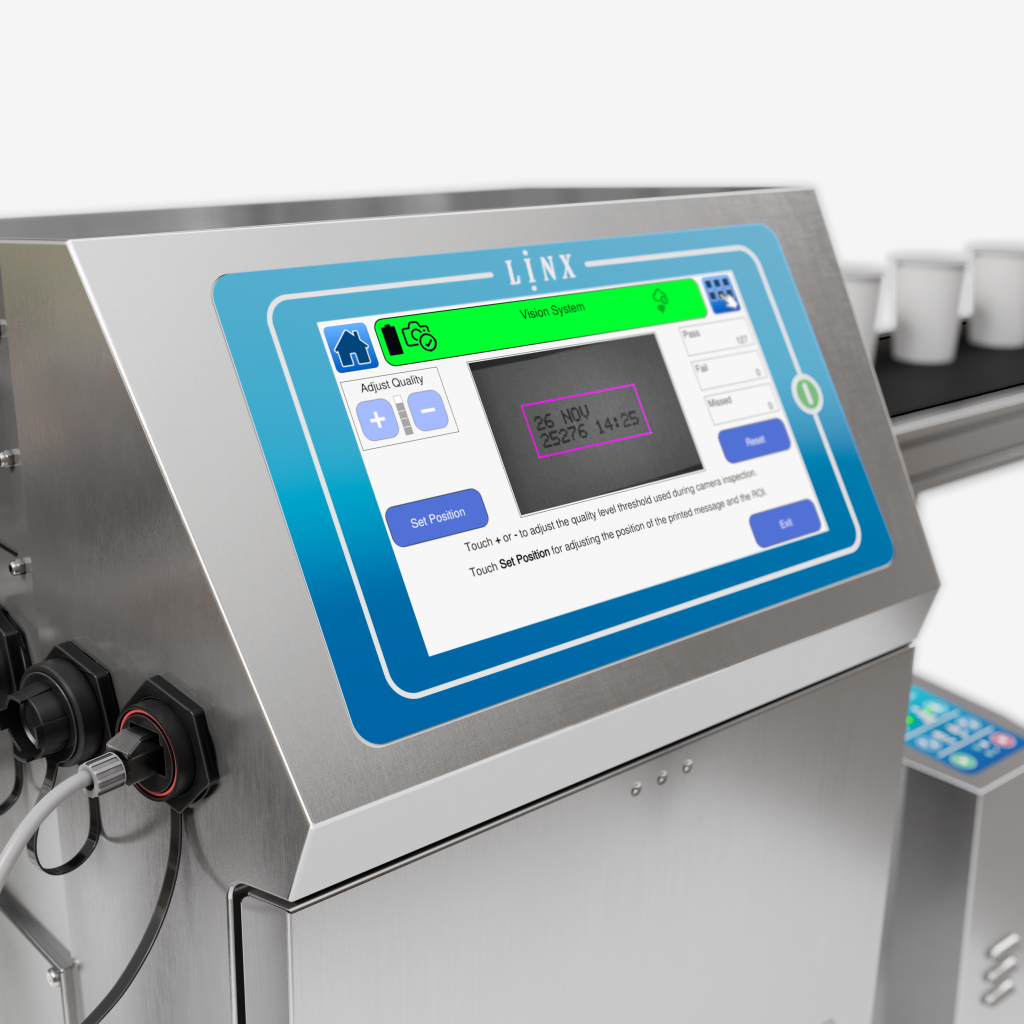
- See results in real time: No external application or screen is required. Instead, access the live camera view directly from the printer home screen to monitor detected codes and pass/fail rates in real time.
- Quick code learning: Simply place a coded product under the camera and follow the on-screen workflow to train a new code. Once a message is trained, it is saved for future use. Consequently, switching between production batches becomes quick and effortless.
Ready to eliminate code errors? – Book a Linx Iris demo
Technical Specifications
| Image sensor: | 1/4 inch CMOS, global shutter 1280 x 800, 3.0 um square pixels Monochrome |
| Inspection speed: | Up to 2.5 m/s 4 prints per second |
| Readable codes: | Content: Text, Date, Time, Sequential Numbers Length: Up to 8cm Style: Up to 1×21 Font size: Up to 2×9 Characters: Latin, Extended Latin, Cyrillic, Katakana, Kanji, Hangul, CJK |
| Software features: | Code presence, Code readability, Region of Interest (ROI), Adjustable quality acceptance |
| IP Rating: | IP65 |
Download the brochure for full specification
Learn more about Linx Iris
Linx Iris Brochure

Video with Dean Watkins
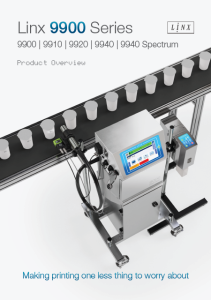
9900 Series Product overview
FAQ
Linx Iris can read messages made up of text, dates, times and sequential numbers up to 8cm long, in 2 lines.
To train a message with Linx Iris, hold a product with a good quality code in front of the camera and click Start Training. The on-screen workflow will guide you through the simple steps, and the printer will store this message for future use.
It is possible to mount Linx Iris directly to the Linx printhead using a supplied quick release bracket, or you can attach to a pole.
Linx Iris is designed to be easy to use. It requires no additional software, hardware, or power supply, and everything is controlled directly from the Linx printer screen using simple, guided steps to help you set up and use the camera.
Related products
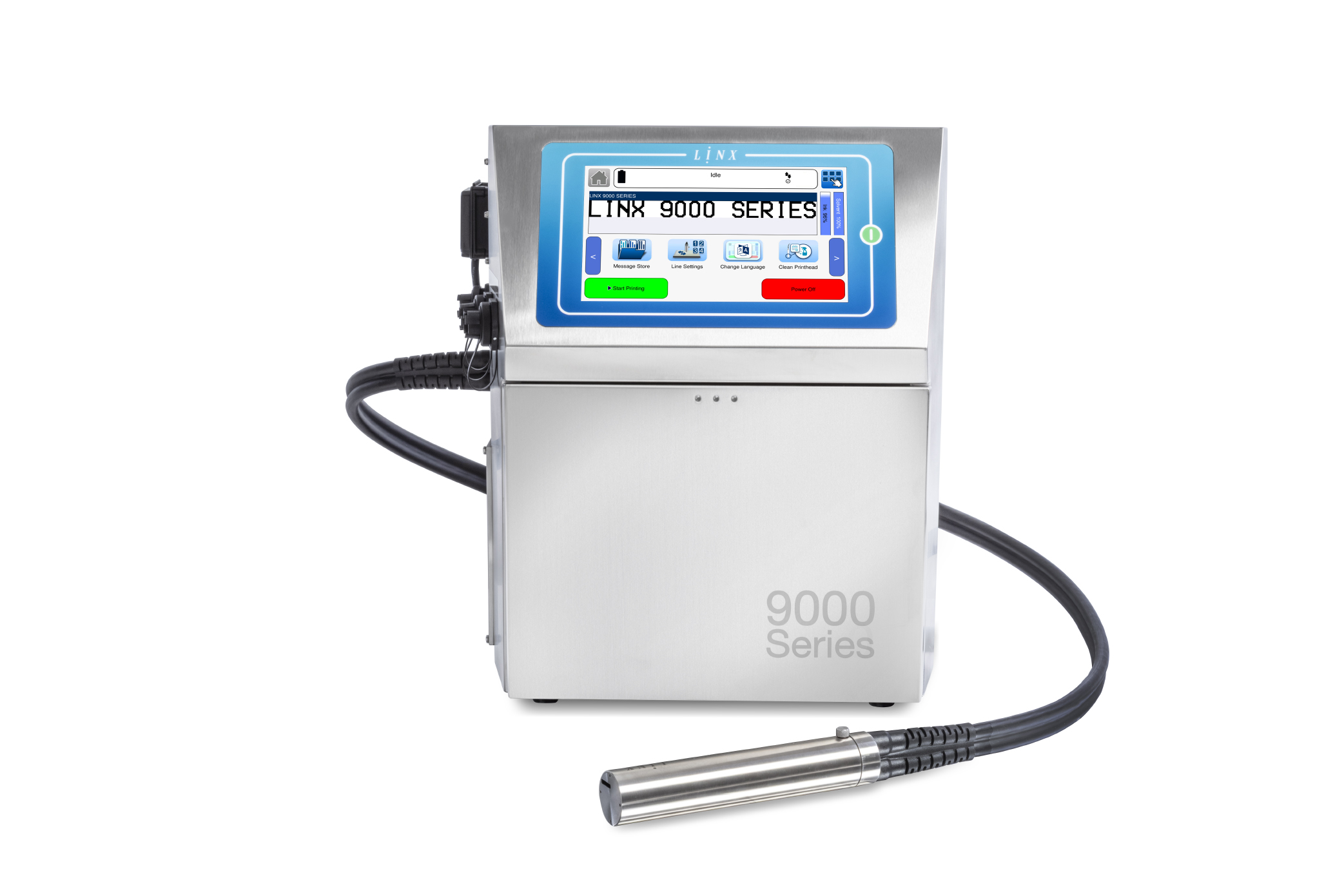
Linx 9000 Series
The CIJ printer making printing one less thing to worry about
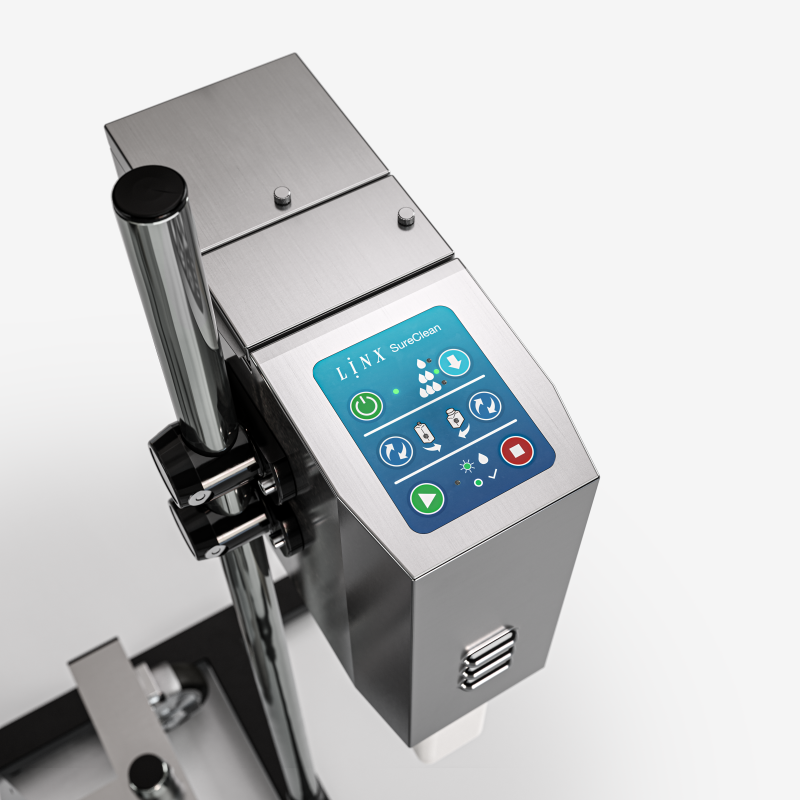
Linx SureClean
printhead wash station
Automatic printhead cleaning at the touch of a button
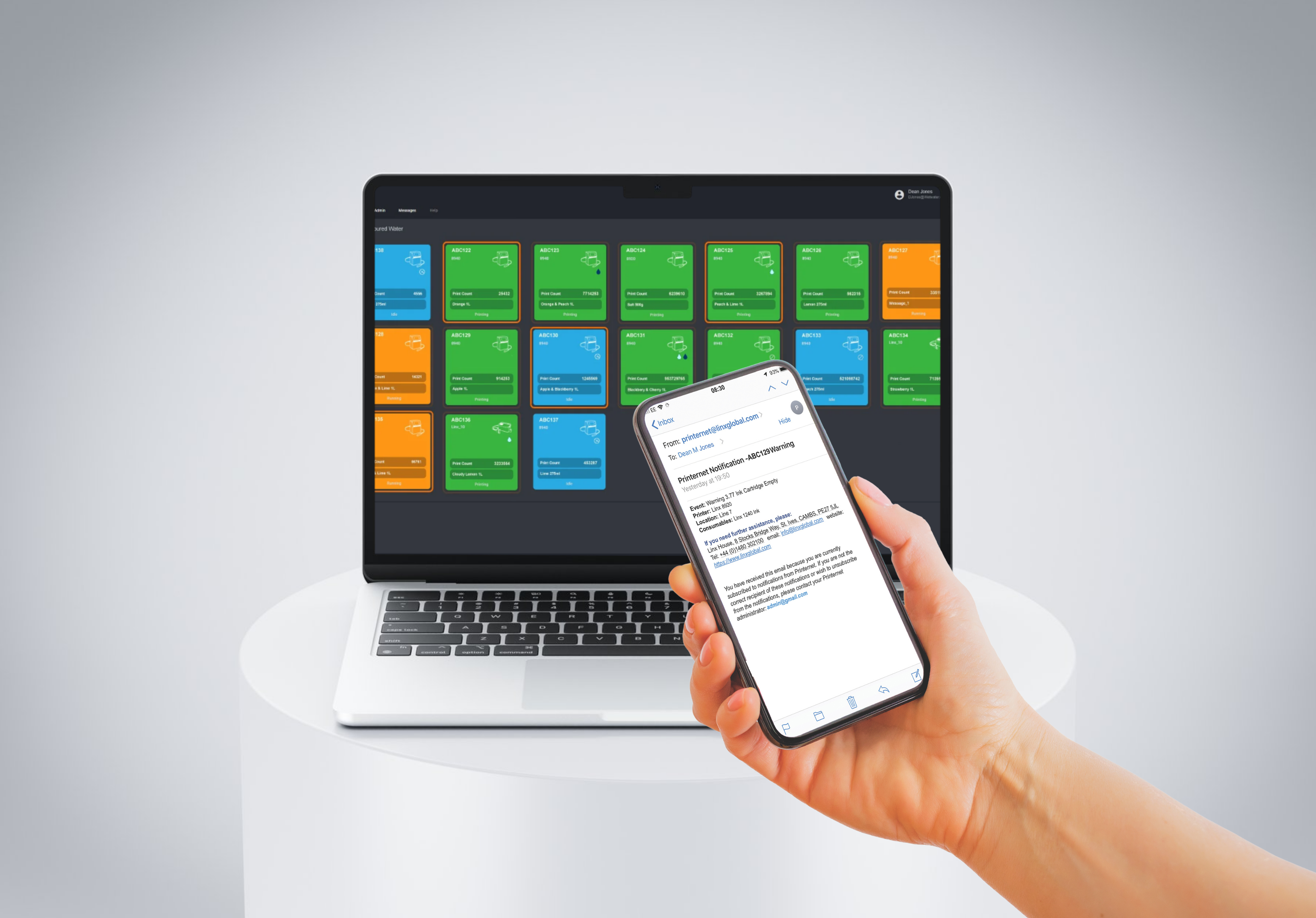
Linx PrinterNet
Remote access and control – always connected to your coding