

Linx
PrinterNet®
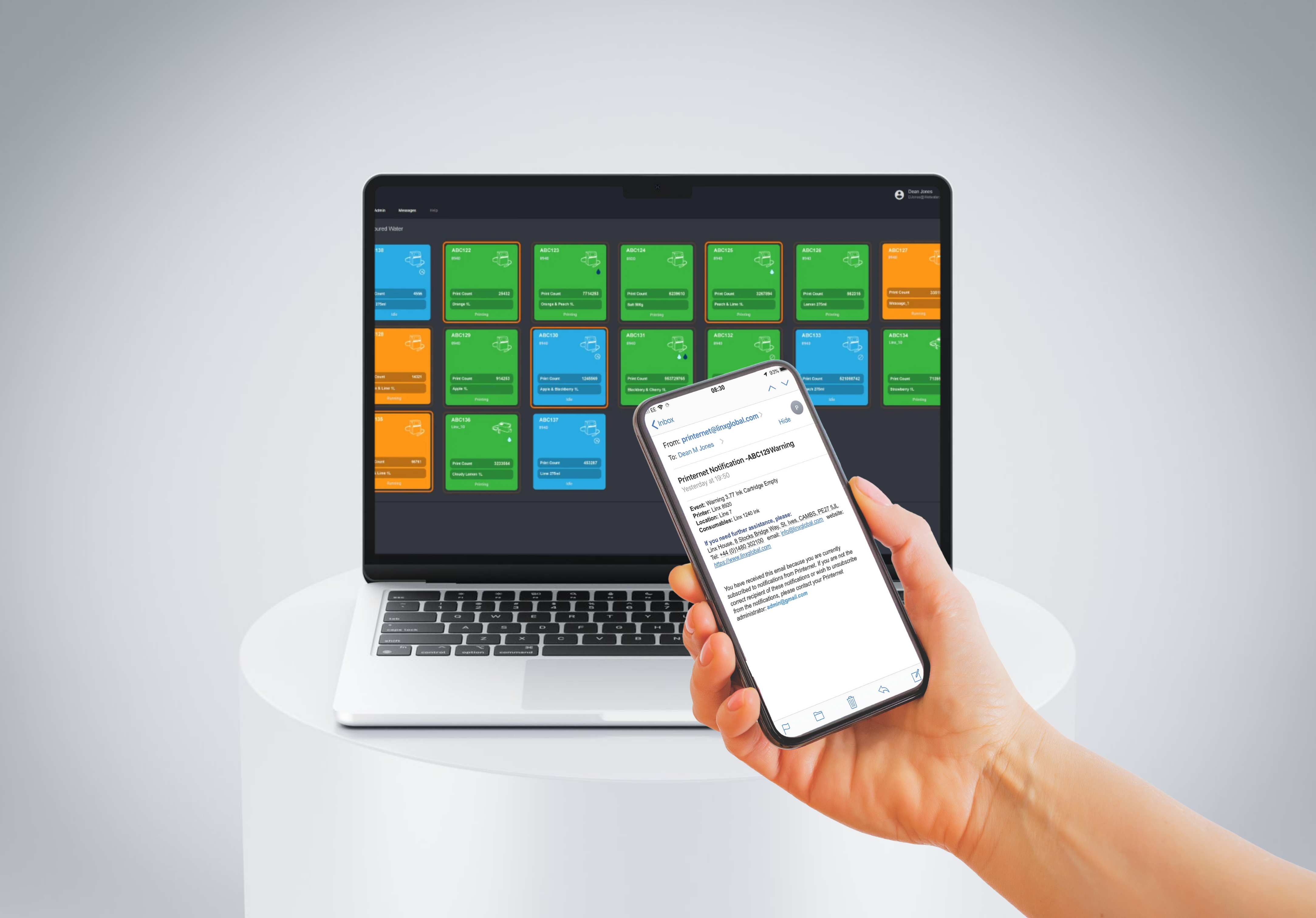
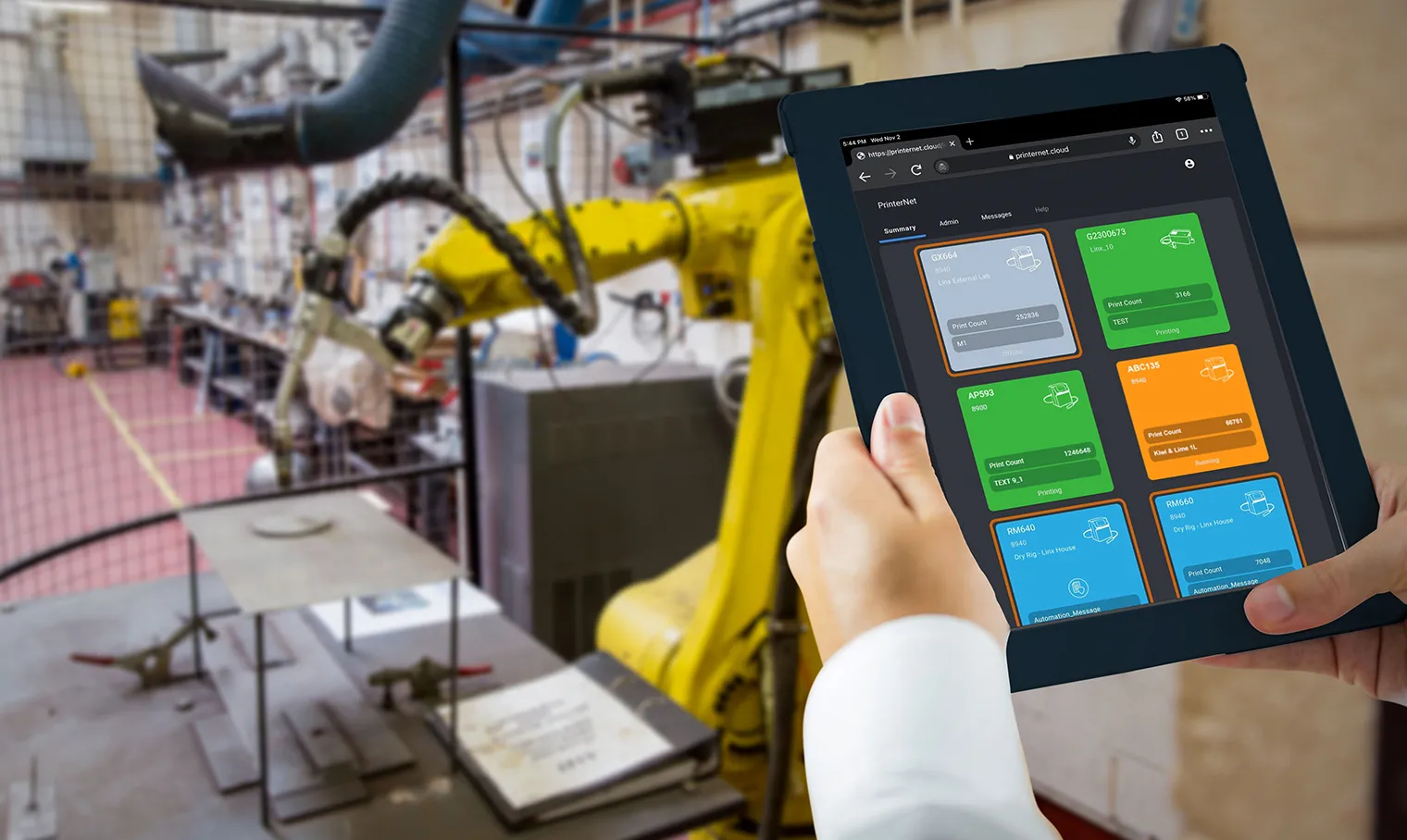
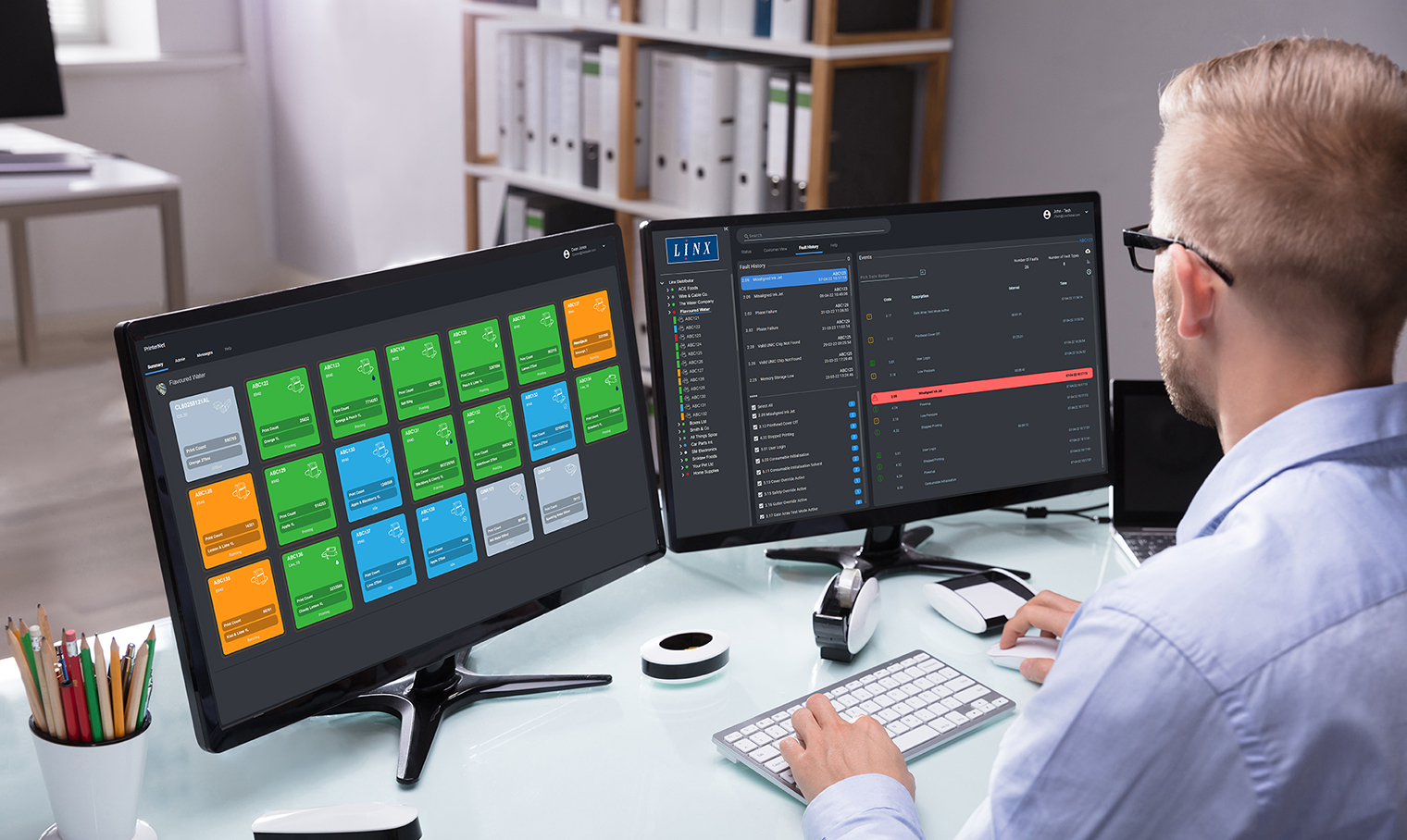

Remote access and control
Always connected to your coding
Are you constantly balancing production targets, team demands, and unexpected line issues? Therefore, you need clear insight into what’s happening on your lines without chasing problems or walking the floor. That is why Linx PrinterNet IoT solution keeps you connected to your coding.
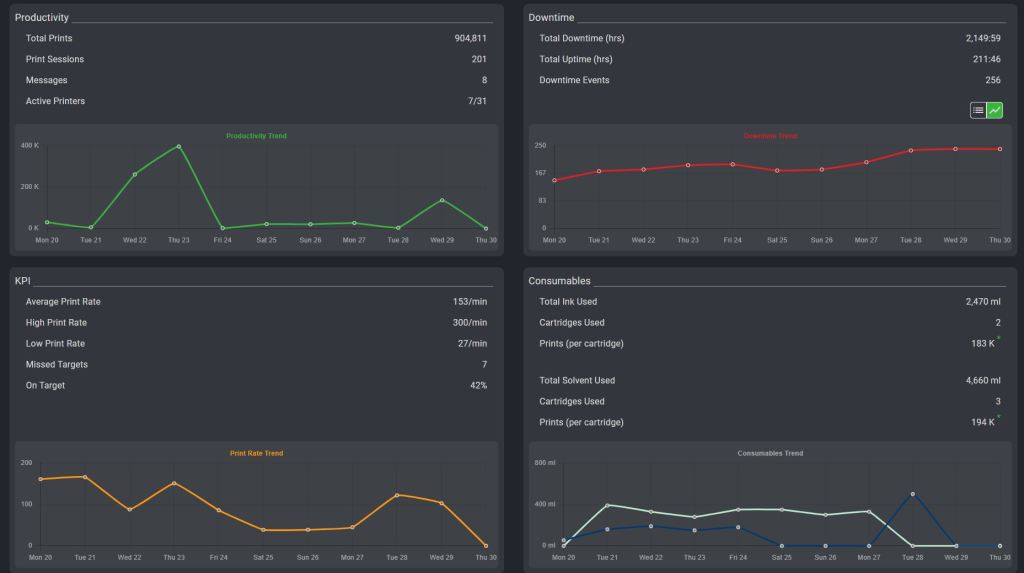
As a result, you can get real‑time status, alerts, and support from the Linx technical team for fast fault resolution. In addition, it also provides performance summaries from connected printers, therefore helping you spot issues early and identify opportunities for improvement.
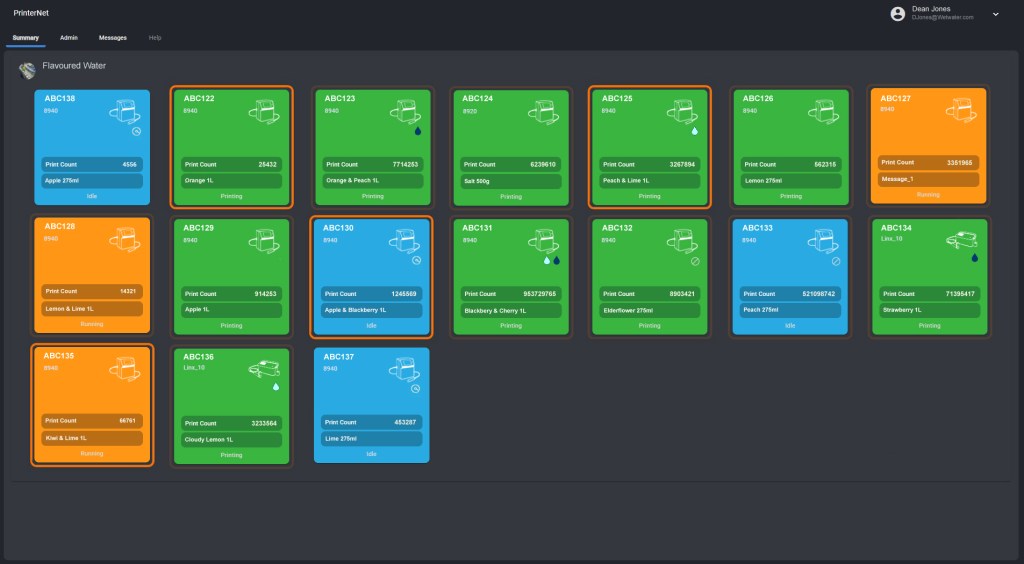
No more worries about printer status
Stay informed, remotely
- Monitor from any mobile device: View the PrinterNet dashboard, anytime, anywhere, from your phone, tablet, laptop or desktop PC, so that you can stay connected at all times.
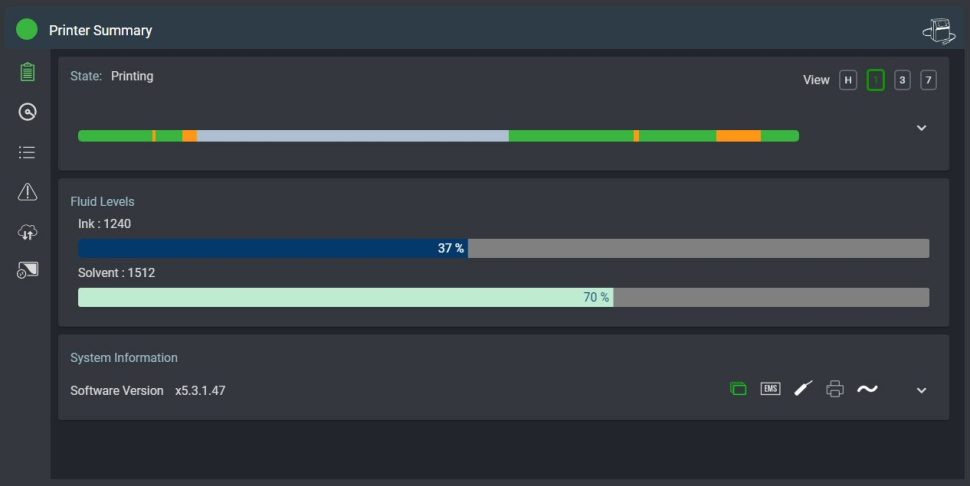
- Monitor printer status: Remotely check which machines are printing, check the message being printed, who has made changes and see the print counter.
- Customisable alerts: Enable alerts for low fluids, user logins, or line‑stop issues so that you can prevent unexpected production stops.
No more worries about collecting KPI data
What gets measured gets improved
- Maximise changeover efficiency: View current progress of your production jobs against target end times or print rates so that you can prepare for changeovers.
- Custom KPIs: Set your own KPIs in PrinterNet and therefore monitor your production against your targets.
- Data for continuous improvement: Review historic production line performance data, so that you can plan and support your continuous improvement.
No more worries about printer maintenance affecting your schedule
Maximise uptime
- Monitor printer health: Review fault history and monitor printer and production line uptime so that you can help plan your regular maintenance during planned downtime.
- Remote software upgrade: Access the latest printer and security features with remote software upgrades and therefore, with no need for an engineer visit, you can decide when to run the upgrade for the least disruption.
No more worries about code errors
Create and backup
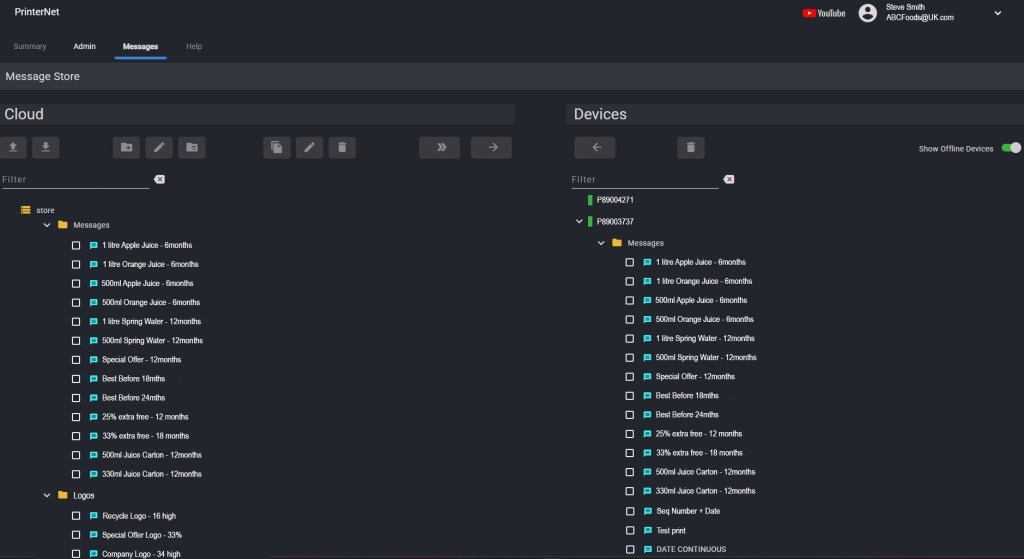
- Manage messages: Set up and manage print messages remotely so that you avoid operators selecting the wrong message at the printer.
- Backup and restore: Keep a master copy of approved messages and printer settings securely in the cloud, therefore enabling you to quickly restore your printer.
Could the Linx PrinterNet help your operations? – Book a demo
Linx PrinterNet IoT enabled products
Linx 9000 Series
Industrial Inkjet Printers
Making printing one less thing to worry about
The Linx 9000 Series is designed to eliminate unplanned downtime, therefore helping maintain continuous production. In addition, it is easy to use for any operator, reducing the need for training. It also protects against power interruptions, while a built-in 9-minute battery supports line moves without stopping production. Furthermore, it is compatible with the Linx SureClean® automatic printhead wash station for reliable cleaning. Finally, it integrates with the Linx Iris® vision system, so that you can ensure every code is present and correct.
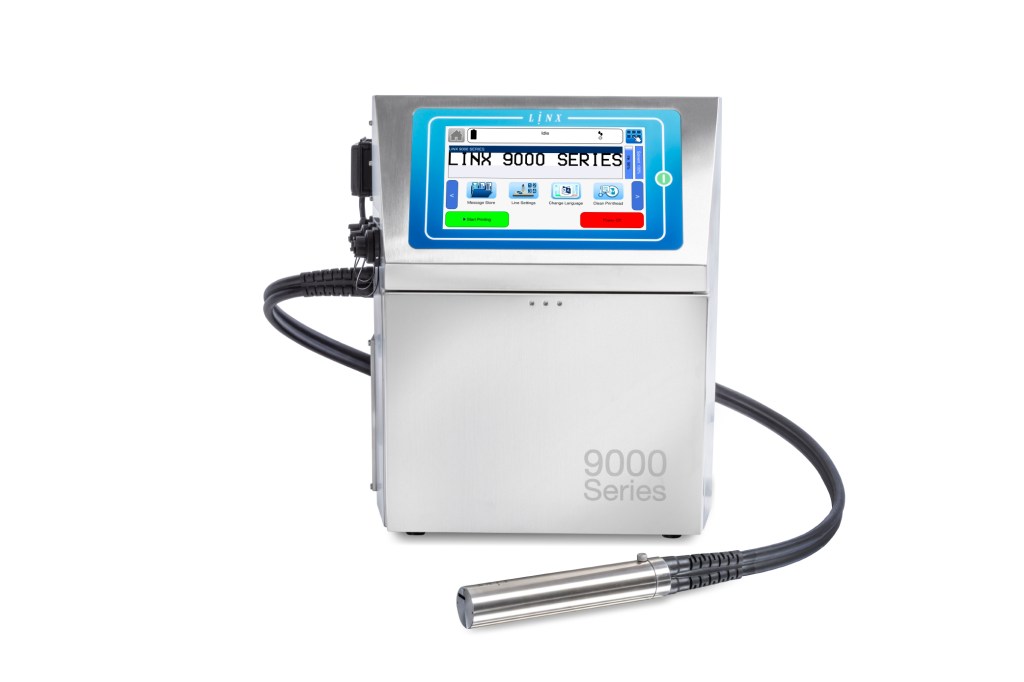
GS1 compliant 2D codes | High-speed production | Print up to 6 lines | Primary and secondary coding | Black and coloured inks
Could you improve efficiency with a PrinterNet-connected Linx 9000 Series printer?
Explore Linx PrinterNet and 9000 Series
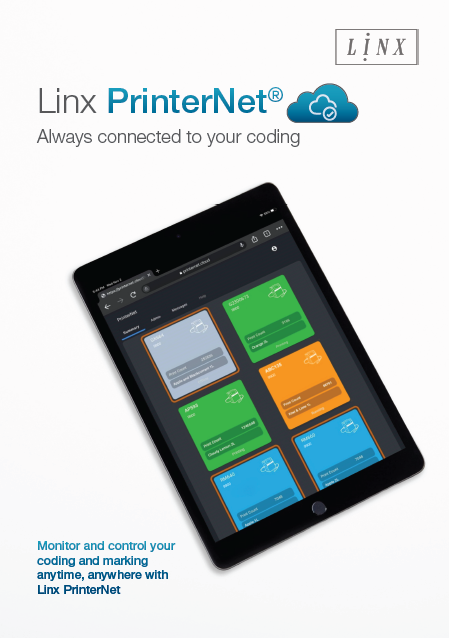
Linx PrinterNet Brochure
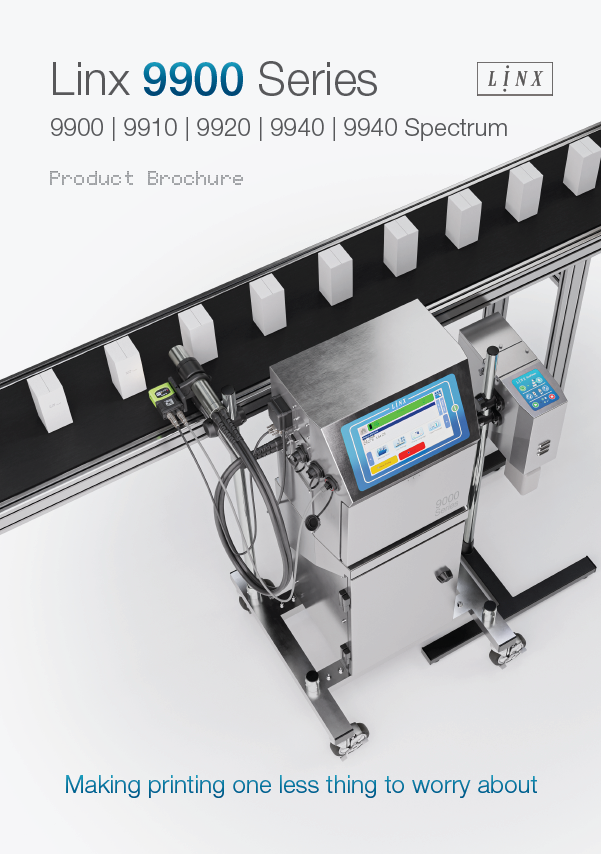
9000 Series Brochure
9800 Series Brochure
FAQ
Linx PrinterNet is a cloud-based solution that enables remote access to your Linx printers, therefore keeping you connected to your production line at all times.
In addition, it allows you to monitor printer status, receive alerts, and access performance data, so that you can improve efficiency and reduce downtime.
Linx PrinterNet provides real-time alerts and remote diagnostics, so that you can respond quickly to issues. As a result, you can take action before problems affect production and avoid unplanned stops.
Yes, Linx PrinterNet allows you to monitor your printers from any device, therefore giving you full visibility wherever you are. For example, you can check which machines are printing and view the current message being printed.
Linx PrinterNet lets you track production progress against targets, so that you can prepare for upcoming changeovers. In addition, you can view print counts remotely, therefore improving planning accuracy.
Yes, Linx PrinterNet allows you to set up and manage print messages remotely, so that you avoid operator errors at the printer. As a result, you can ensure the correct message is always selected.
Linx PrinterNet provides historic performance data, therefore giving insight into production trends. In addition, this data helps you identify inefficiencies and plan improvements, for example by analysing downtime patterns.
Linx PrinterNet lets you remotely monitor your printer and receive alerts if the ink or solvent is running low which can help prompt you to reorder supplies.
PrinterNet will allow you to remotely see the message being printed and alert you to any new user logins. Using the PrinterNet message store can help you create and manage messages remotely to prevent unapproved changes.
Linx PrinterNet can help prevent line interruptions by sending emails alerts to other contacts to ensure nothing is ignored.
If you need technical support from Linx you can agree to let them remotely see your printer data to help diagnose and resolve printing problems.
Linx PrinterNet stores approved messages and settings securely in the cloud, therefore protecting your production data.
Products related to Linx PrinterNet IoT
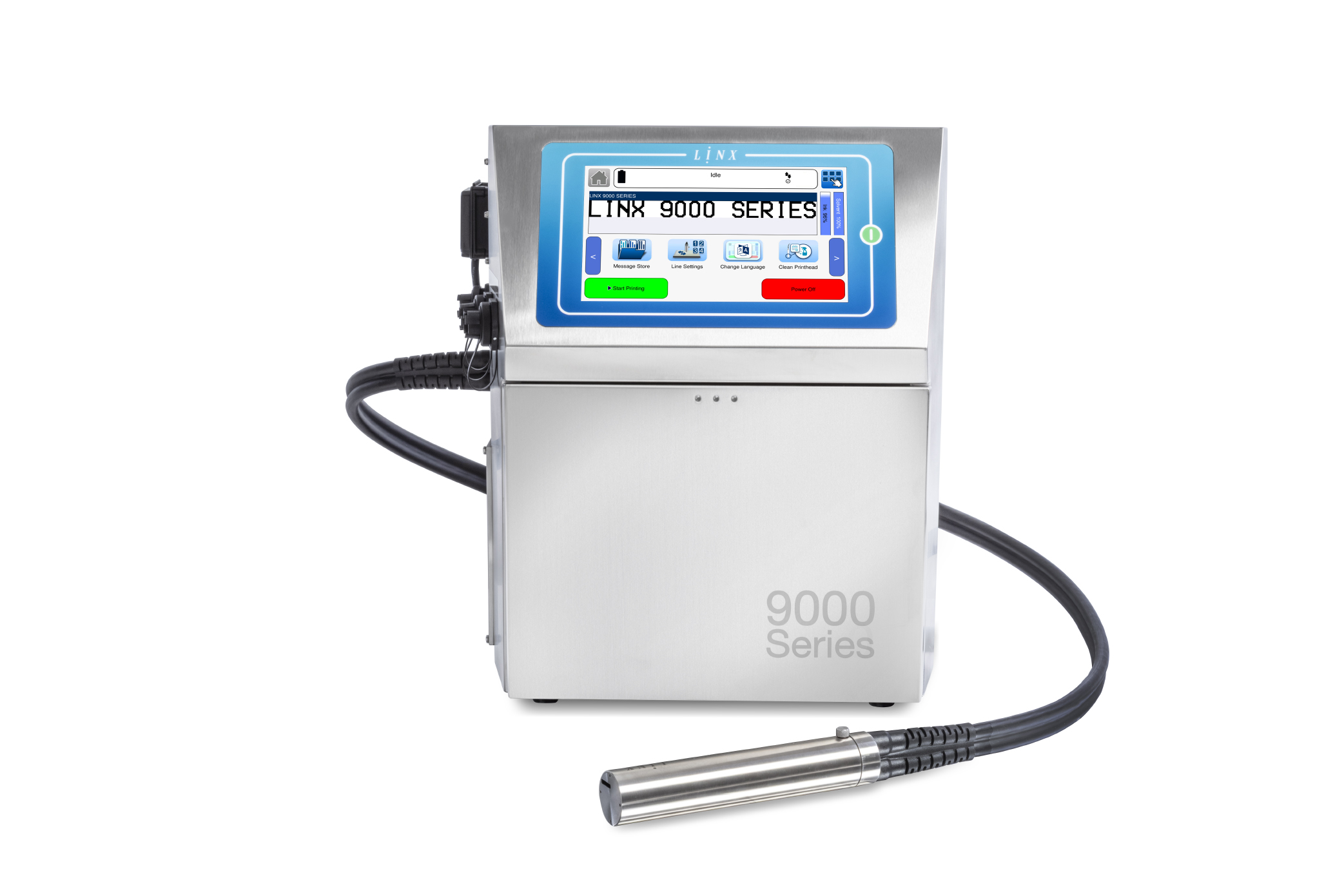
Linx 9000 Series
The CIJ printer making printing one less thing to worry about

Linx Printhead
Intelligent printhead system with unique AutoFlush process and robust design
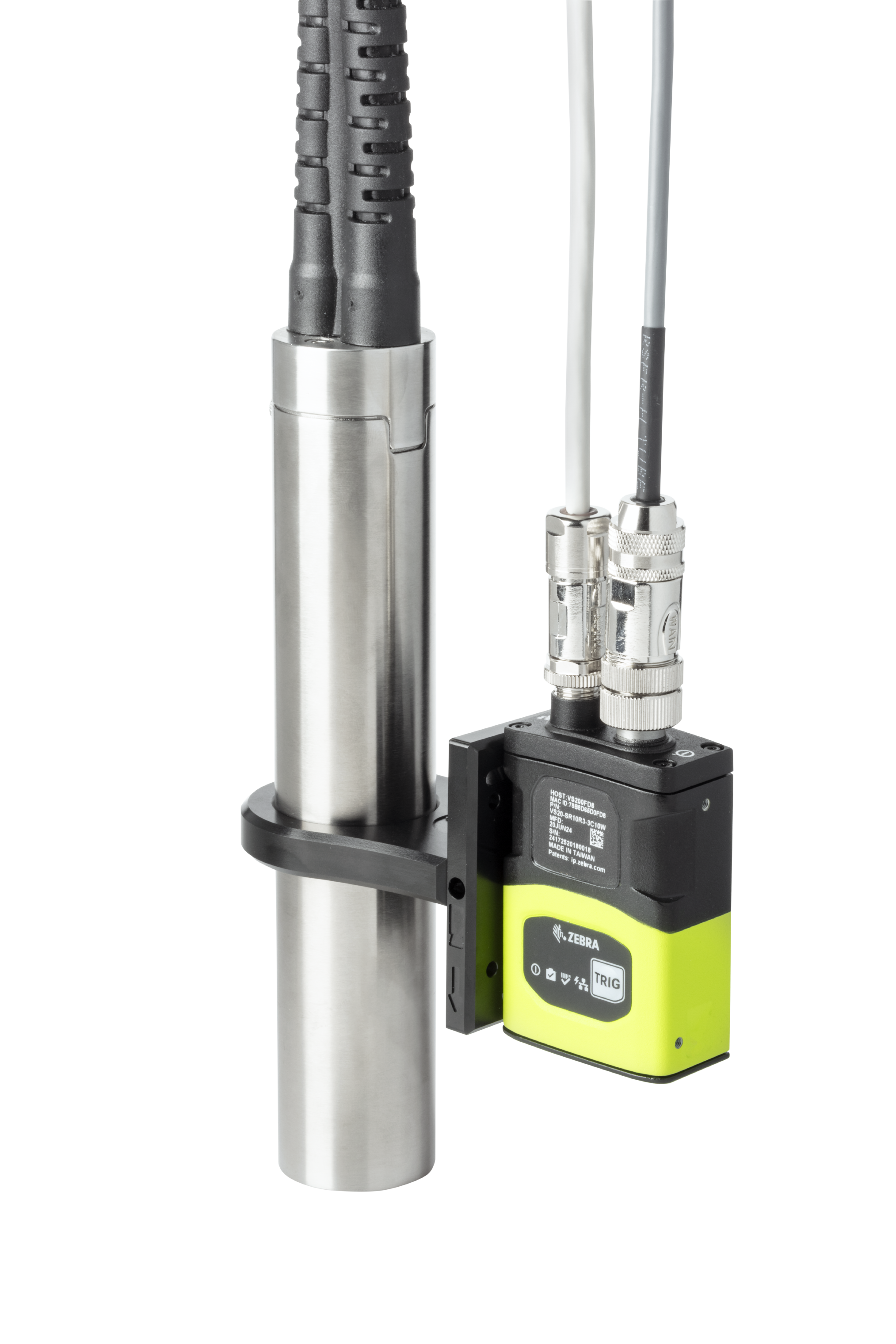
Linx Iris Vision System
Ensure every code is present and correct with automatic inspection