
Your Printer’s Screen Could Be Your Biggest Downtime Risk
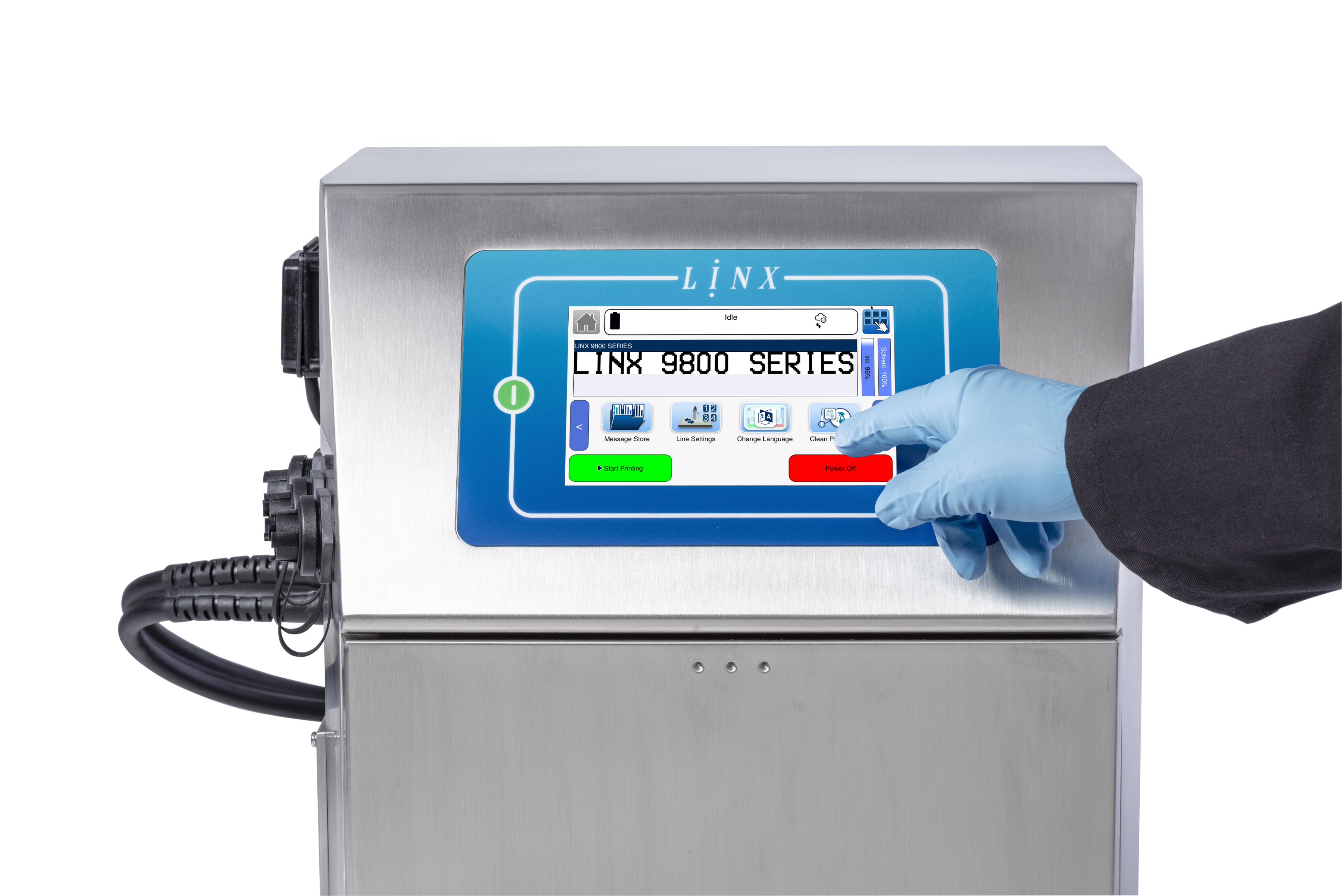
In manufacturing, uptime is everything. Every minute a coder sits idle or prints the wrong code it can cost you materials, shipments and money.
New technology promises energy savings, smarter maintenance and fewer stoppages. But one factor gets overlooked more than any other: the person pressing the buttons, and the interface they’re pressing them on.
A Vanson Bourne study for ServiceMax found that 23% of unplanned downtime in manufacturing is caused by human error. That’s nearly one in four stoppages, and it points to design more than to people. If a machine is easy to get wrong, someone eventually will.
Why coding errors keep happening
A wrong date or an unreadable batch code is more than an annoyance. It means rework, waste, harder scheduling and weaker traceability. The usual culprits:
- Shift patterns and staff turnover. Training becomes patchy, and the newest person is often the one setting up the job.
- Menus that bury the basics. One wrong tap and you’ve changed a setting you never meant to.
- Mixed languages and date formats. Is it 03/04 or 04/03? Unclear labels and inconsistent icons slow people down and cause mistakes.
- A different interface on every machine. Switching between them raises the risk of error.
For years, manufacturers treated these as “operator training problems”. The Linx 9000 Series starts from a different idea: if the same mistake keeps happening, fix the design.
How the Linx 9000 Series designs mistake out
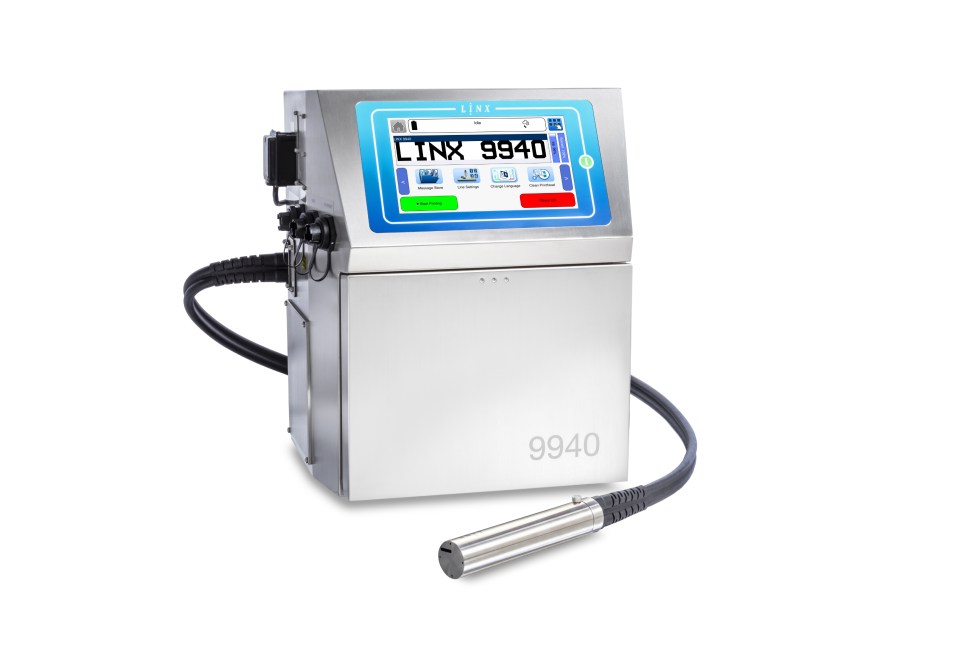
The 9000 Series was shaped by feedback from production managers around the world, and it targets the everyday causes of downtime directly.
- Switch language in seconds. Operators can change the UI language quickly, so a mixed-language team doesn’t have to work in a menu they can’t read.
- Build GS1 codes without the guesswork. The built-in GS1 code builder creates compliant Data Matrix codes on the printer itself, which removes a common source of rejected or non-compliant codes.
- Create messages away from the line. With Linx Message Studio, messages can be created and edited on a PC or USB drive, then sent straight to the printer. That means no fiddly typing at the line, and a second pair of eyes can check the message before it goes live.
- See what’s coming. An on-screen 12-hour consumables countdown means ink and solvent don’t run out unannounced, and customisable printhead cleaning prompts keep routine maintenance from being forgotten.
- Keep production moving through power interruptions and line changeovers. Accidental unplugging at shift change and unexpected power cuts can bring production to a halt. With Linx PrintProtect battery backup, the printer continues operating through short-term power interruptions, helping to avoid unplanned shutdowns and maintain productivity. The battery also enables the printer to be safely unplugged and moved between production lines without interrupting operation.
And because interfaces only help if the printer is easy to live with, there’s a model for each job:
| Model | Best for | Lines of print | Max speed | Protection |
| 9810 | Everyday coding | 2 | 2.92 m/s | IP55 |
| 9920 | High-speed production | 6 | 7.28 m/s | Standard Industrial |
| 9940 | Demanding, washdown environments | 6 | 9.1 m/s | IP65 |
| 9940 Spectrum | Pigmented coding on dark products | 6 | 9.1 m/s | IP65 |
Making the most of a better interface
A good UI is a great start, but a few habits make it count:
- Train with the interface in mind. Walk new starters through language settings, user profiles and message setup, not just “press start”.
- Standardise across lines. The more machines share the same interface, the easier it is for operators to move between them.
- Set it up around your workflow. Put your most common tasks front and centre, with fewer clicks and fewer menu layers.
- Move message creation off the line. Prepare and check codes in advance so the person at the printer is only selecting, not building.
The bottom line
Human error will never disappear, however smart the machine. But you can stop making it easy. A printer that guides operators, flags problems early and survives the unexpected gives your team a better tool and gives you fewer stoppages, less waste and more on-time deliveries.
When it’s time to upgrade your coding equipment, treat the interface as part of your operational resilience, not a “nice to have”.
Want to see it in action? Book a demo of the Linx 9000 Series.
Take Actions Now:
- Request a Print Sample to see the solution in action
- Download Product Brochure for detailed specifications
- Talk to an Expert to find the right coding solution for your retail operations